• Skip to primary navigation
  • Skip to main content
  • Skip to primary sidebar

Jackie Van Nice

E-Learning Goodness by Jackie Van Nice

  • Home
  • About
  • Blog
  • Portfolio
    • Articulate’s ELH Challenges
    • Sales Mobility Software
    • Product Sales
    • Sexual Harassment
    • Code of Conduct
  • Freebies
    • Free Storyline Templates
    • Free PowerPoint Templates
    • Free Images
    • Freelancing Tips
    • Free Resources to Help Get Started in eLearning
  • Work With Me
  • Contact

Emotional Engagement

It’s a Kid-U-Cational (+ Free) Template!

August 22, 2015 By Jackie Van Nice 6 Comments

Select Image to Launch Demo

Select Image to Launch Demo

This week’s challenge, in honor of you brave back-to-schoolers, is to create an education-themed template and demonstrate how it can handle a real-world project.
The Template I Started With

The Template I Started With

The Idea

Lots of Room for Subtopics

Lots of Room for Subtopics

I went back to the last template I made (using pieces and parts of Nicole Legault’s and Tom Kuhlmann’s fab templates) with the intent of making it over in a kid-friendly way.

Since that template has a free menu and a good amount of depth, it needed a pretty large topic. I brainstormed until I came up with everyone’s favorite – the science fair project.

The Design

Content Slides with Depth

Content Slides with Depth

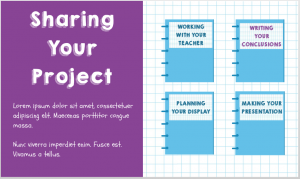
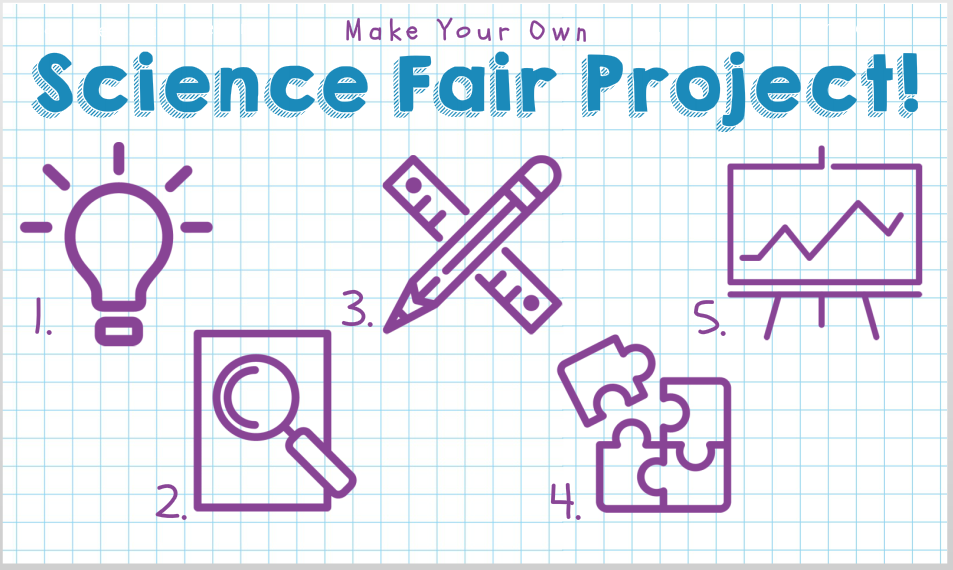
Since most of the science projects I’ve seen get sketched out on paper, I thought graph paper would work well as the themed background.

The color palette came from the blues of the graph paper lines and the purple ink I was seeing in lots of kids’ projects – plus I added a perky green to warm it up.

The kid-riffic fonts I used are KG Happy (it always makes me happy), and Schoolbell. I found the main menu and quiz icons at flaticon.com. I like them a lot and they’re free to use with attribution.
Select Image to Launch Demo

Select Image to Launch Demo

The Result

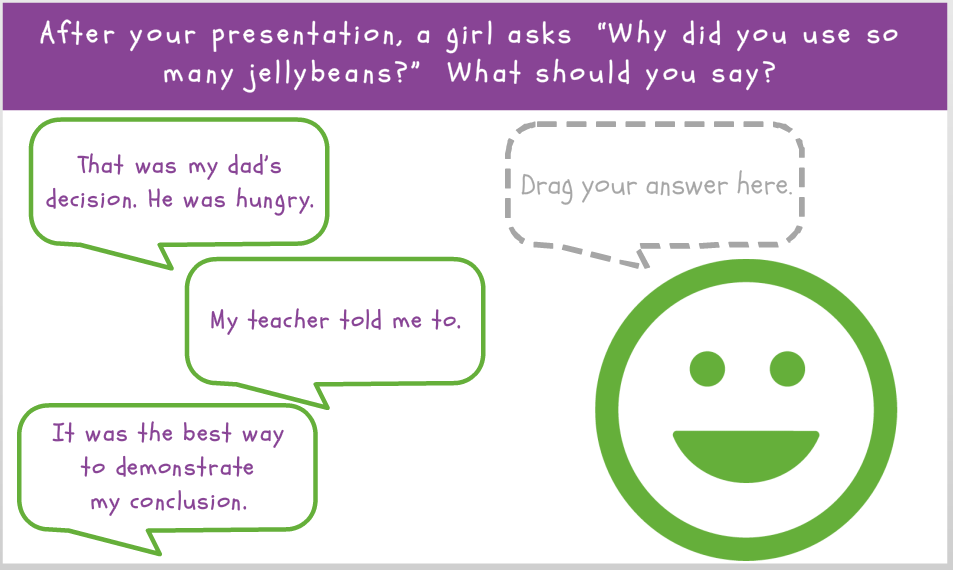
Ready for a template you can use to teach any number of topics? You can see it here, and even prove your mettle in the quiz.

Get It!

If you’d like to customize it yourself, you can also grab it on the download page.

Have fun!
Filed Under: E-Learning Tagged With: Articulate Storyline, Drag & Drop, E-Learning Design, ELHChallenge, Emotional Engagement, Instructional Design, Show Your Work, Templates, Visual Design

Video Backgrounds to Enhance E-Learning

August 16, 2015 By Jackie Van Nice 3 Comments

Click Image to Launch Demo (With Audio)

Click Image to Launch Demo (With Audio)

This week’s challenge is to show how video backgrounds can be used to make elearning more engaging. Thanks to some free assets, it was a quick way to have some fun this week.

The Idea

As challenged, I wanted to design e-learning start screens, but make them more engaging using simple video backgrounds to lure learners in.

The Design

I started by browsing some of the free video assets David Anderson linked to, and found these videos at Coverr. I was looking for something that would loop well and that I was inspired to play with. After that it was a matter of coming up with course topics and visual  and audio design elements to fit.

Busking Video Background ExampleEntry #1 – Busking

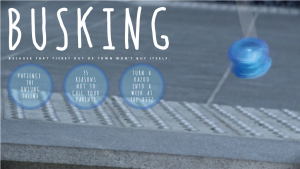
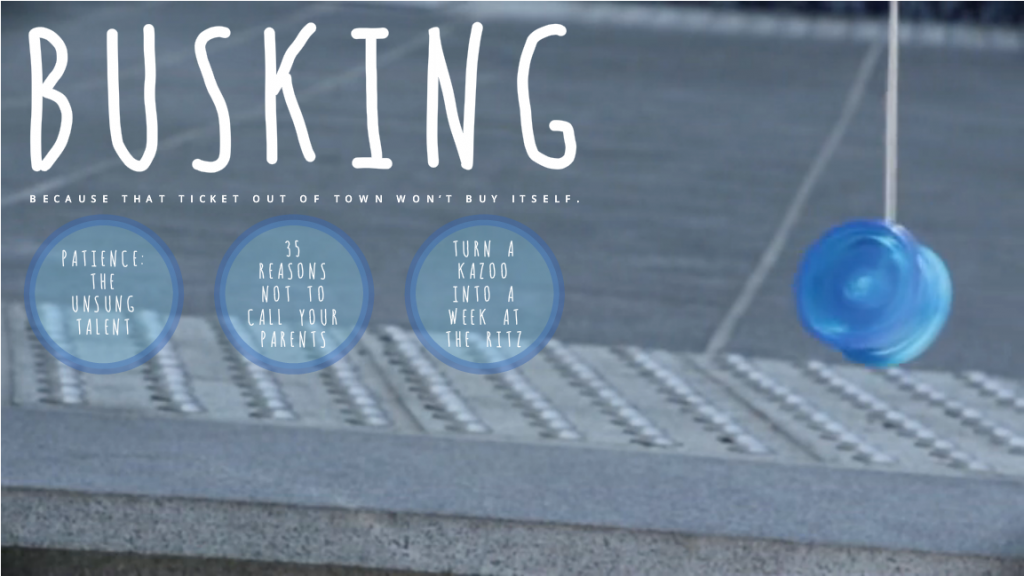
I’m sure there are countless reasons someone would be outdoors playing with a yoyo, but it made me think of street performers and buskers. I added a font that looked rather string-like and buttons designed to mimic the color, shape, animation, and position of the yoyo. I also added a bluesy acoustic bit of music from audionautix to complete the scene.

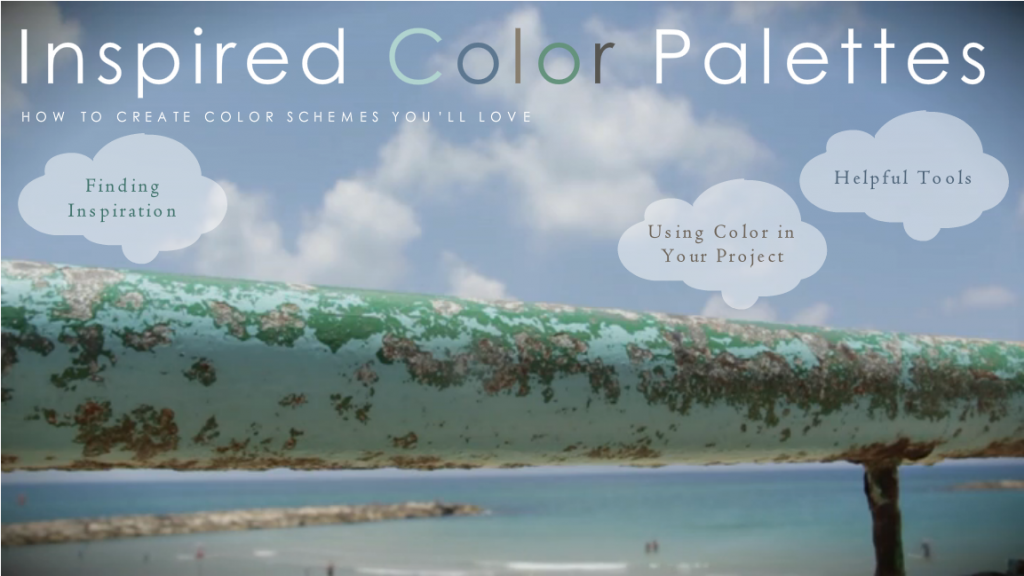
Color Palette Video Background ExampleEntry #2 – Inspired Color Palettes

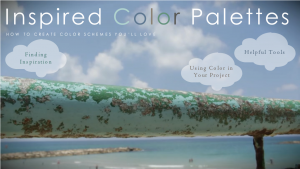
To me, the most stunning part of this video was the gorgeous natural palette that had developed on this railing at the beach, so that became my theme. The button shapes mimic the clouds in the sky, and I looped an audio track of ocean waves beneath the video. Of course, the most important part was to integrate the natural palette on the railing into my own color scheme, and you’ll see it in the text colors. The sans-serif font is Century Gothic and the serif font is Centaur.

See (and Hear) Them in Action!

Ready to see if video backgrounds make these courses seem a little more appealing? You can decide right here:

  • See the busking video background example.
  • See the inspired color palettes video background example.
Click Image to Launch Demo (With Audio)

Click Image to Launch Demo (With Audio)

Filed Under: E-Learning Tagged With: Articulate Storyline, E-Learning Design, ELHChallenge, Emotional Engagement, Instructional Design, Motivation, Show Your Work, Video, Visual Design

Making a Simple Prototype

August 4, 2015 By Jackie Van Nice 4 Comments

Select Image to Launch Demo

Select Image to Launch Demo

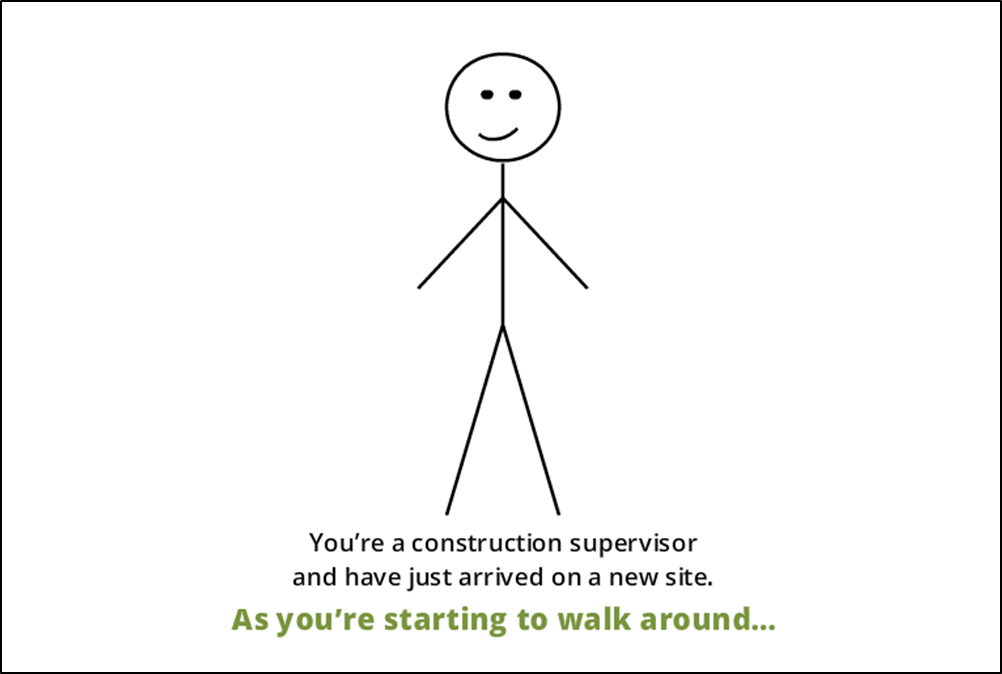
This week’s challenge is to create a functional prototype of a course using existing OSHA fall prevention content, so I whipped up some stick figures and headed for the job site.

The Idea

Original Content

David Anderson gave us a 194-slide PowerPoint presentation to use as our source material, the idea being to choose a few slides to work with. I chose a section about preventing falls involving floor holes.

My goal was to focus on the instructional design approach, basic layout, and functional design (as opposed to visual design) to show how I’d approach and design the entire course.

The Design

The Process at the Point of Need

The Process at the Point of Need

Naturally I wanted to start with a compelling scene featuring the learner as the protagonist. After adding proper context and a scenario where the learner would need to apply the information being presented, we’re off and running.

Once the problem was established, I was able to present the basic structure of this mini-course – the steps required to deal with the problem – at a point of need to give the learner a reason to want to find out what to do next.

A Real-World Challenge

A Real-World Challenge

A Real-World Challenge

A Real-World Challenge

A Real-World Challenge

A Real-World Challenge

At each step I then presented a simple challenge to roughly approximate what they would need to do in a real-life situation. I didn’t bother with up-front content presentation, so each challenge requires the learner to use his or her predictive abilities to ponder, guess, and explore the options. I’d call it Engagement 101.

This approach means that feedback (in addition to the scenario itself) needs to provide the information the learner needs. I kept the feedback brief and subtle in this demo, but would use more detail in the actual course.

The Result

It’s a simple and straightforward prototype that shows you exactly how I’d approach the content. The visuals and details to be added later are – compared to this – the easy part.

David wanted us to spend an hour or two on this, but for me I can’t imagine designing a course approach, layout, and basic functionality in that amount of time; though I certainly admire anyone who can. Let’s just say this took longer.

If you’d like to enjoy it in all of its stick figure glory, you can start preventing falls right here.

Filed Under: E-Learning Tagged With: Articulate Storyline, Context, Drag & Drop, E-Learning Design, ELHChallenge, Emotional Engagement, Instructional Design, Motivation, Show Your Work, Technical Training, Visual Design

An Interactive Conversational Game

July 19, 2015 By Jackie Van Nice 10 Comments

Select Image to Launch Demo

Select Image to Launch Demo

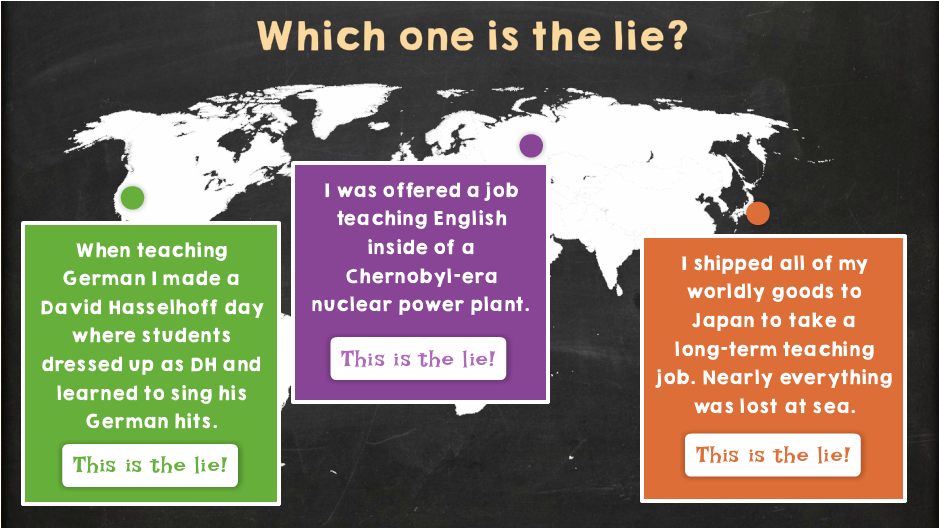
This week I took the current two-truths-and-a-lie ELH challenge and combined it with last week’s interactive conversation challenge to make a single conversational icebreaker.

The Idea

Keeping it Conversational

Keeping it Conversational

Keeping it Interactive

Keeping it Interactive

I wanted to use the interactive conversation to introduce the icebreaker guessing game. It helped give it a bit more context and natural flow.

I also wanted to narrow the icebreaker topic so it wasn’t completely random. It made more sense to focus on just one part of my career, and language teaching narrowly won out over a couple of other options.

The Design

Chalkboard Textures & Colors

Chalkboard Textures & Colors

Using a chalkboard background and simple images seemed appropriate. I’d have looooooved to add audio and more elaborate animations and images, but kept it simple in the interest of time.

Play the Game!

Ready to see how well I can (or can’t) lie? It’s your call now – and you can play the game right here!

Select Image to Launch Demo

Select Image to Launch Demo

Filed Under: E-Learning Tagged With: Articulate Storyline, E-Learning Design, ELHChallenge, Emotional Engagement, Games, German, Instructional Design, Languages, Show Your Work

It’s Punctuation Tic-Tac-Toe!

July 5, 2015 By Jackie Van Nice 13 Comments

Select Image to Launch Demo

Select Image to Launch Demo

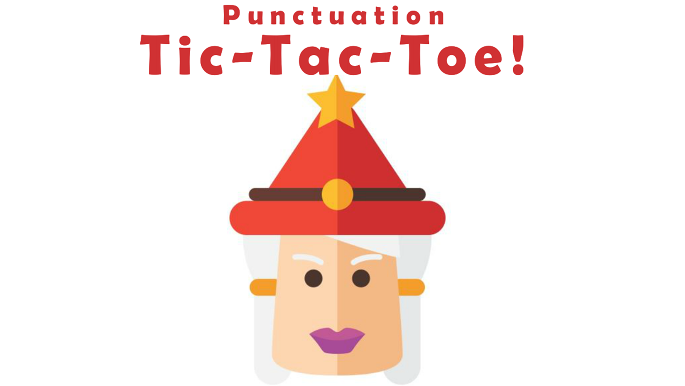
This week’s Articulate #ELHChallenge is to come up with an interaction that helps teach punctuation.

Update: Download the Free Template!

The Idea

I wanted to make some type of game I hadn’t tried before, and tic-tac-toe seemed relatively straightforward.

Personalized Punctuation Advisors

Personalized Punctuation Advisors

I also wanted to use the rest of the characters I used for this emoji challenge. The idea was to have each of them embody an element of punctuation and give their own example of correct and incorrect usage. Personalized punctuation advice couched in a bit of silliness seemed engaging to me – so I went with it.

The Design

The goal was to keep it simple and easy to play with. The board is laid out in front of you so you can pick any punctuation challenge you’d like and see your progress as you go.

Your aim may be to get tic-tac-toe (three correct answers in a row) and win; but it’s equally fun to play freely. That’s why I added a “Start Over” button on the main screen – so you can quickly clear the slate and start over.

The Game Board

The Game Board

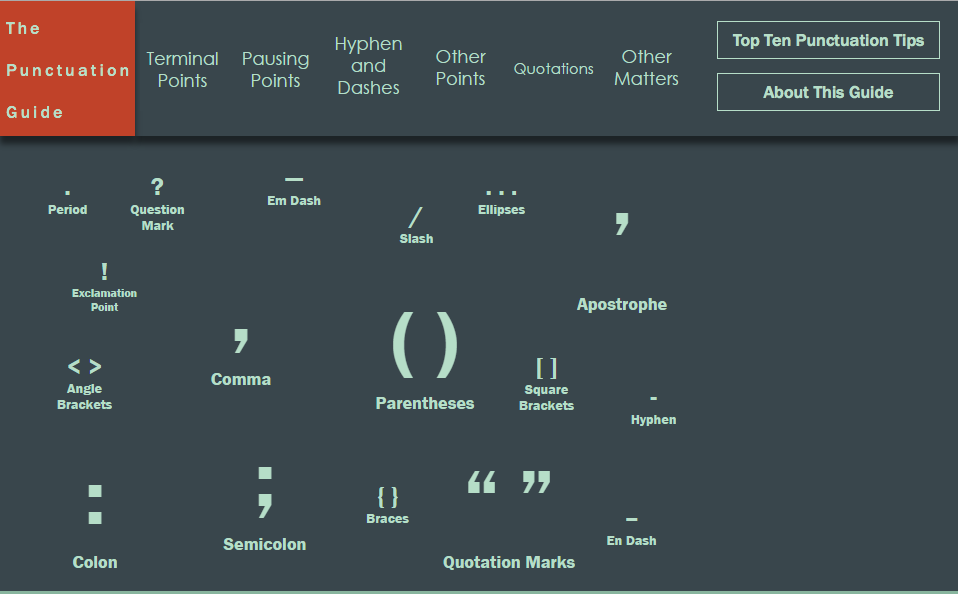
The Punctuation Guide

The Punctuation Guide

I have to say that Storyline 2 made building the whole thing a relative snap, too. It was great. It’s one slide with 35 layers and a few states (plus many pieces and parts I added) – but engineering it to give the proper result once tic-tac-toe has been achieved was really simple.

Oh – and in the feedback for each question I linked to the appropriate page on The Punctuation Guide that David Anderson used as inspiration for the challenge. Thanks for finding it and for such a great challenge, David!

Try It Out!

Ready to test your punctuation prowess? Feel free to try it out right here.

Filed Under: E-Learning, Front Featured Tagged With: Articulate Storyline, Characters, E-Learning Design, ELHChallenge, Emotional Engagement, Games, Show Your Work, Visual Design

  • « Go to Previous Page
  • Go to page 1
  • Go to page 2
  • Go to page 3
  • Go to page 4
  • Interim pages omitted …
  • Go to page 8
  • Go to Next Page »

Primary Sidebar

Welcome!

I’m an award-winning instructional designer and proud Articulate Super Hero who creates e-learning for large organizations. I blog to explain my design process, share tips and tricks, and help others succeed. I hope you enjoy my refreshing gallery of e-learning goodness!

  • View jackietrains’s profile on Instagram
  • View jackievannice’s profile on LinkedIn

Tags

Articulate 360 Articulate Rise Articulate Storyline Articulate Studio Audio Avatars CCAF Characters Community Context Design Makeover Dials Drag & Drop E-Learning Design ELHChallenge Emotional Engagement Free Download Freelancing Games German Glossary Instructional Design Languages Makeover Menu Mobile Motivation Pantone Portfolio PowerPoint Professional Development Quick Reference Quizzes Sales Training Scenarios Show Your Work Software Training Storyline 360 Tables Technical Training Templates Typography Video Visual Design Voiceover

Top Posts & Pages

  • Portfolio
    Portfolio
  • Home
    Home
  • Sexual Harassment Training
    Sexual Harassment Training
  • Sales Mobility Software Training
    Sales Mobility Software Training
  • Navigating a Tasty Circular Menu
    Navigating a Tasty Circular Menu
  • Articulate's E-Learning Heroes Challenges
    Articulate's E-Learning Heroes Challenges
  • About
    About
  • Free Visual Storyboard Template
    Free Visual Storyboard Template
  • Free Storyline Templates
    Free Storyline Templates
  • How to Go Full-Screen & Lose the Player in Storyline
    How to Go Full-Screen & Lose the Player in Storyline

Copyright © 2026 Jackie Van Nice and E-Learning Goodness by Jackie Van Nice