• Skip to primary navigation
  • Skip to main content
  • Skip to primary sidebar

Jackie Van Nice

E-Learning Goodness by Jackie Van Nice

  • Home
  • About
  • Blog
  • Portfolio
    • Articulate’s ELH Challenges
    • Sales Mobility Software
    • Product Sales
    • Sexual Harassment
    • Code of Conduct
  • Freebies
    • Free Storyline Templates
    • Free PowerPoint Templates
    • Free Images
    • Freelancing Tips
    • Free Resources to Help Get Started in eLearning
  • Work With Me
  • Contact

Visual Design

Ker-thwack! Fighting Harassment Comic Book Style

August 26, 2014 By Jackie Van Nice 5 Comments

Select Image to Launch Demo

Select Image to Launch Demo

I’m so excited! Today I completed the entire first year of Articulate’s E-Learning Heroes challenges – all 48 of them! I started participating about 5 months into the challenge year so there were a lot to make up, but I did it. Before collapsing I’ll share one of my favorites I uncovered back at #11: Comic Style Themes for E-Learning.

Figuring Out the Style

I don’t know much about comic books and didn’t have a clue how to handle this challenge, but figured it out the same way I did the interactive resume one. I searched for comic books on Pinterest, pinned a couple of things, then took in the rest. That made it easy to assess the approach and style and I got the gist very quickly.

How About Harassment?

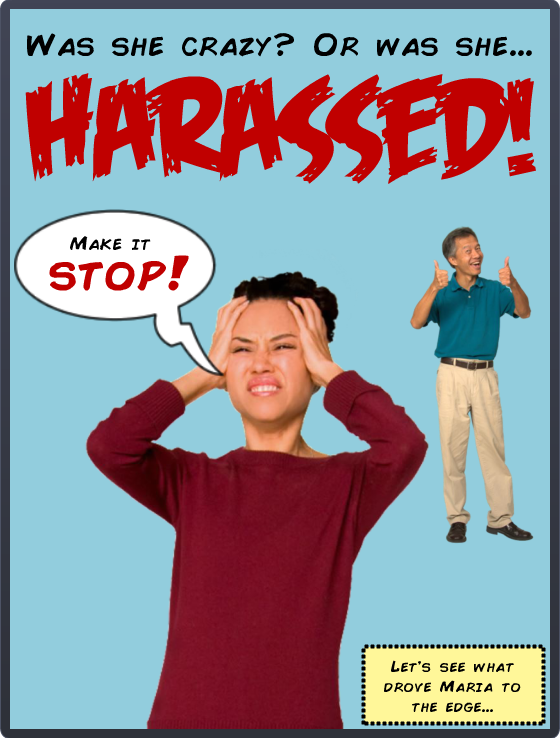
I thought about courses I’ve done that I could adapt, and harassment seemed like just the ticket. I already had the material and characters in place; I just needed to change the style and ramp up the drama.

Colors & Fonts

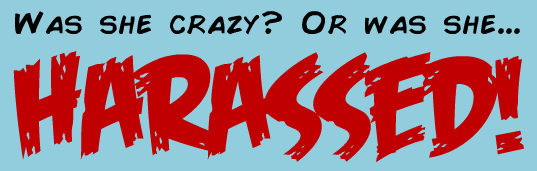
The color palette came from the outfits of the characters on the cover. Add in the classic yellow box for narration, and you’re all set. The fonts were free from Dafont: That great title font is Feast of Flesh BB and the paragraph font is Comic Book.
fonts

Comic Book Fonts

Before & After

Here are a couple of screens from this harassment course I did a few years back. You can see how I adapted them to the comic book demo. You can also see that the comic book style gave me an acceptable way to make it more personal and cut to the chase more quickly and with greater emotional impact.

"Before" Screen

“Before” Screen

"Before" Screen

“Before” Screen

"After" Screen

“After” Screen

Next Time

Given more time I’d have loved to add in music, sound effects, and background images; but as a quick learning exercise I’m pretty happy with it. Fortunately David Anderson promises he’ll have another comic book challenge coming up in the new challenge year. (Ka-zam!!!)

Here it Is!

If you’d like to check out this quick comic-book style demo, it’s right here.
Filed Under: E-Learning Tagged With: Articulate Storyline, Characters, Community, Context, E-Learning Design, ELHChallenge, Emotional Engagement, Show Your Work, Visual Design

Meaningful Comparisons in Action

August 23, 2014 By Jackie Van Nice 6 Comments

Select Image to Launch Demo

Select Image to Launch Demo

Since this week marks the end of the first full year of Articulate’s weekly challenges, I decided to go back to complete all of the ones I’d missed – and there were a lot. I still have two more to complete (almost there!) but yesterday I swung back to Challenge #1: How Would You Show Meaningful Comparisons?

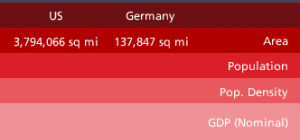
Note the Maps of the US and Germany

Note the Maps of the US and Germany

Getting Things Into Perspective

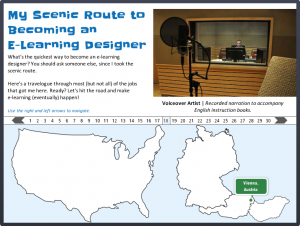
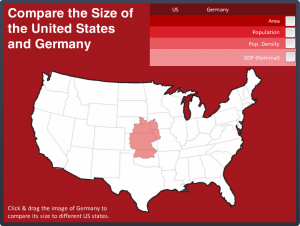
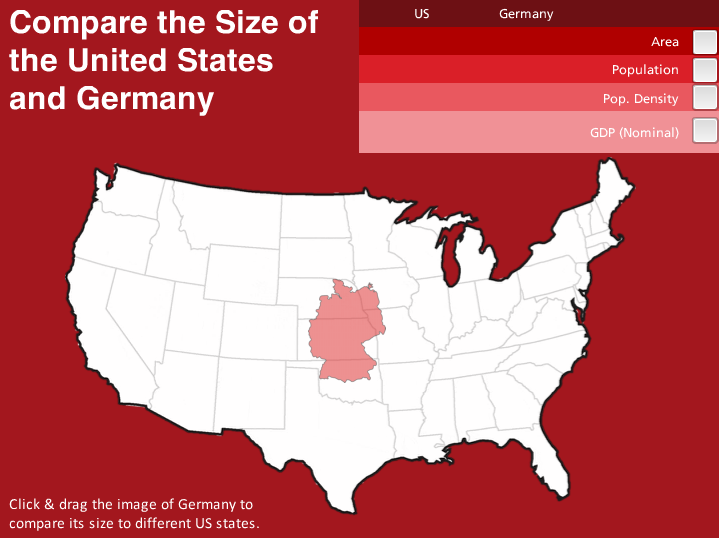
In my earlier “virtual tour” challenge I showed maps of the US and Germany next to one another to show the places I’ve worked. They weren’t meant to be at the correct scale – but every time I look at that piece I snicker at how far off it is. So I decided to do a demo to show a size comparison.

Two Countries; One Monochromatic Scheme

My US-German Palette

My US-German Palette

Two reasons for the red palette: The flag of Germany and the flag of the US. Their only common color is red. What’s interesting is how different the reds are. So I created a palette that includes both of them in an intentional way.
The other reason I wanted to do this was because I’d just completed yet another older challenge using Pantone’s current color of the year and used a monochromatic scheme for that one, too. I liked it enough to try the approach again here.

My Monochromatic Pantone Design

My Monochromatic Pantone Design

What a Drag it is to Compare

The idea is that you simply click on the map of Germany and drag it to different US states to compare its size. Is it effective? You can take a look at the difference between this and the maps I showed in my virtual tour (see images above) and decide.

My truly brilliant fellow challenge participant Nick Russell suggested that it would be great to have comparative data for each US state come up as you drag the map of Germany over it. It would be, but that’s going to have to wait until I’ve added quite a few more hours to each day and quite a few more days to each week. But it’s a fantastic idea, Nick!

Select Image to Launch Demo

Select Image to Launch Demo

Enjoy it Here + There’s More on the Way!

Here’s my comparative demo if you’d like to mess around with it. My goal is to complete the whole first-year set of challenges within the next week. With only two to go I’m in good shape – and I’ll keep you posted!

Filed Under: E-Learning Tagged With: Articulate Storyline, Community, E-Learning Design, ELHChallenge, German, Pantone, Show Your Work, Visual Design

A Radiantly Delicious Template

August 17, 2014 By Jackie Van Nice 4 Comments

Select Image to Launch Demo

Select Image to Launch Demo

This Articulate challenge is about using Pantone’s color of the year, Radiant Orchid, to create a simple e-learning template. I didn’t have a clue about how to approach this, but that’s normal, so I jumped in anyway.

Design Inspiration

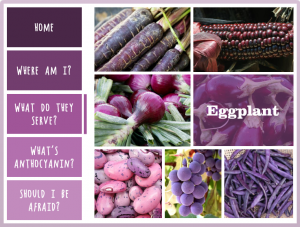
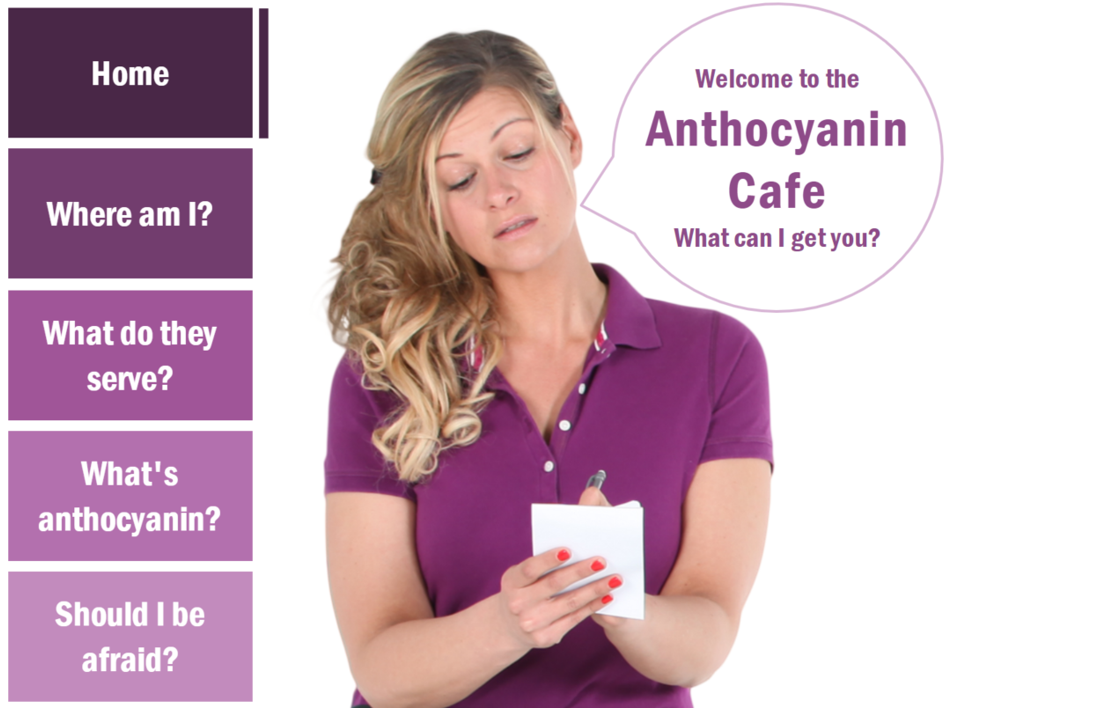
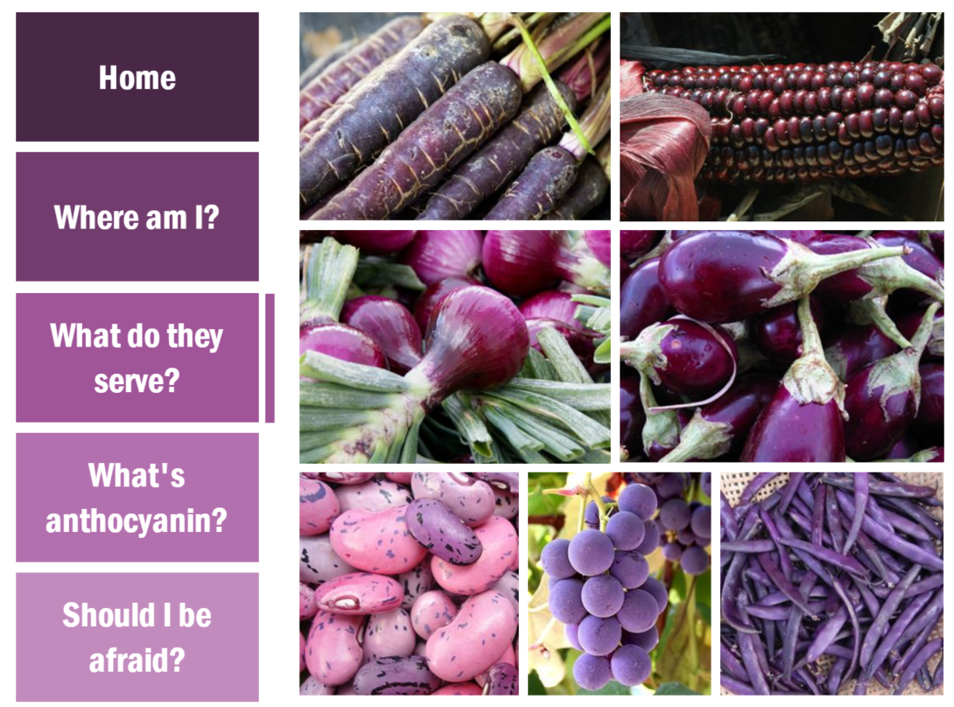
I wanted to brainstorm something in this color that would have meaning to me. Whether it’s the vegan thing or that it’s summertime and I get to eat lots of them right now, I quickly came up with purple fruits and vegetables.

I planned to find a character dressed in a similar color, if possible, and got lucky to find one dressed as a waitress. I reasoned she’d probably work at a cafe that only serves purple produce, and the rest is history.

Color, Tints, and Shades

I stayed pretty true to the palette. The only thing I did that was slightly different was to make the player color relatively transparent, and the hover states on the menu items are also slightly transparent.

I tried to order the fruits and vegetables to mirror the shade differences on the menu items. They’re both darkest at the top of the screen and lightest at the bottom.

See it in Action!

Feel free to take a look at the radiance right here, and don’t let the waitress get you down. She hasn’t eaten her vegetables today.

Select Image to Launch Demo

Select Image to Launch Demo

Filed Under: E-Learning Tagged With: Articulate Storyline, Characters, Community, Context, E-Learning Design, ELHChallenge, Emotional Engagement, Pantone, Show Your Work, Templates, Visual Design

Show Your Work: Creating Portfolio Images to Share

August 10, 2014 By Jackie Van Nice 4 Comments

This week’s Articulate challenge is about creating images to showcase your work. After going through the process of producing new work it’s tempting to just move on, but creating shareable images helps build a more visual portfolio and show your peers what you’ve been up to, too.

Main Portfolio Image

First, David Anderson wanted us to create a main portfolio image he could use to link from the challenge to our online portfolios.

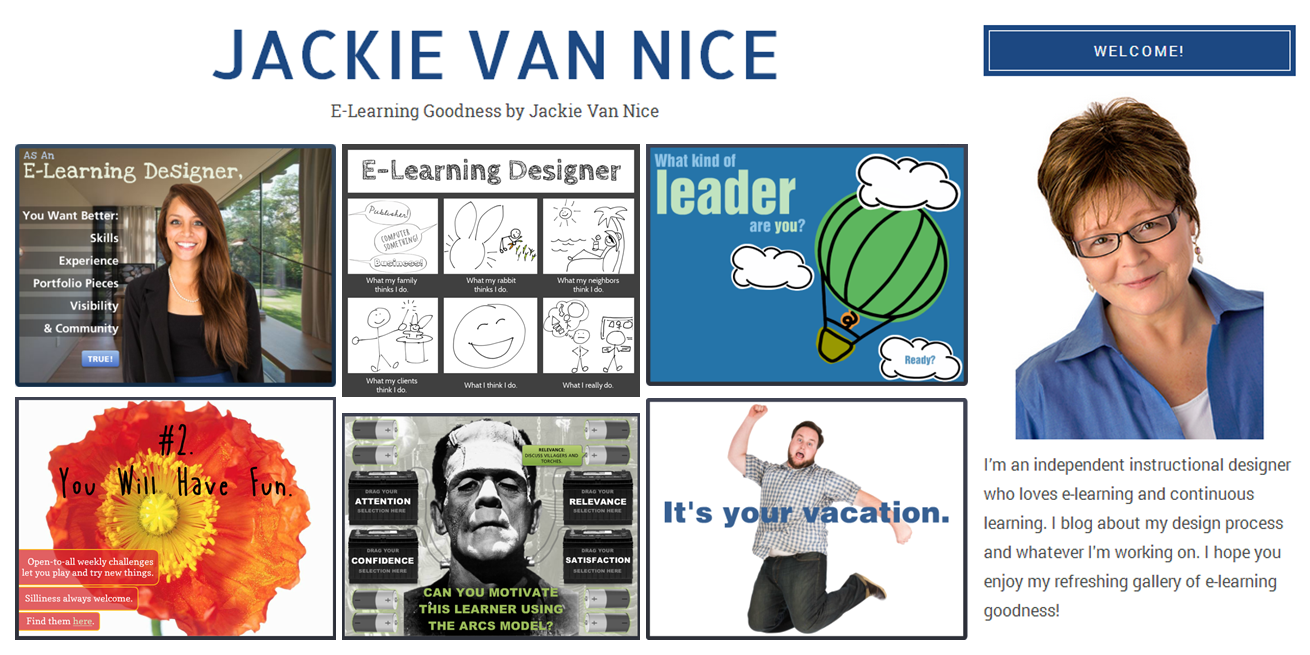
Since my website pretty much says it all (who I am, what I do, and what my work looks like), I adapted the basic layout of my site and captures of my work into an image David could use. I also like the idea that anyone clicking on the image will land on exactly what they’d expect to see. Truth in advertising.

Jackie Van Nice Portfolio

Portfolio Image for the Challenge: Look familiar?

Use this free template! I shared the template I used to create this image with another community member, and they found it so useful I thought I’d offer it as a free download. It’s in PowerPoint, and you’re welcome to grab it right here.

Images for Social Media

The next step was to create the same type of image to share on Twitter, Facebook, and Pinterest. Since each handles images differently, the challenge is to try to get your image to display as you’d like it to. The images I shared on those sites are below.

This will be an ongoing challenge. Between the ever-changing demos I create and the ever-changing sites to share them on, this can only be a work in progress. But the value of figuring it out and doing it well is enormous. Thanks for the challenge, David!

Portfolio Image Posted to Facebook

Portfolio Image Posted to Facebook

Portfolio Image Posted to Twitter

Portfolio Image Posted to Twitter

Portfolio Image I Pinned on Pinterest

Portfolio Image I Pinned on Pinterest

Filed Under: Working for Yourself Tagged With: Community, E-Learning Design, ELHChallenge, Free Download, Freelancing, Portfolio, PowerPoint, Professional Development, Show Your Work, Visual Design

Help! Someone Abducted My Digital Tools!

July 6, 2014 By Jackie Van Nice 16 Comments

Main Menu

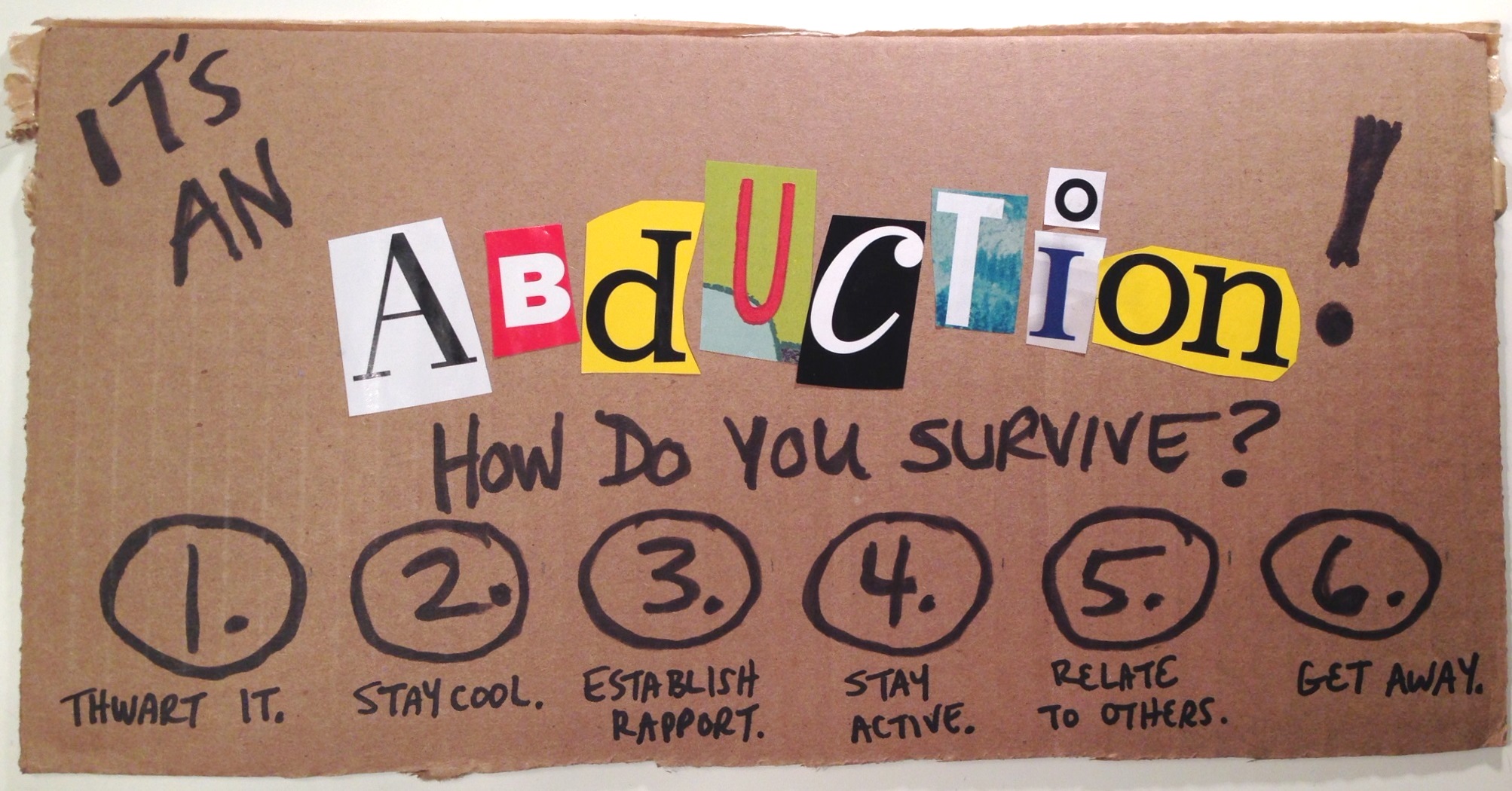
This week’s Articulate challenge is to create emergency-response instructions using non-digital means. This one nearly did me in. Where are the emergency instructions for when you’re caught in the middle of an Articulate challenge?

The Idea

I started by working on hurricane response instructions since we like that sort of thing in the Southeastern US. But once I got to pondering non-digital font equivalents I thought of non-digital scissor-and-magazine font creation, which made me think of ransom notes, which took me to kidnapping, which led me to wikiHow where they’re apparently well versed in that sort of thing. An abduction it would be!

The Design

I kept it simple with a main menu and corresponding detail pages. If it hadn’t been my second version in two days, I would have included more detail.

This design had to make the most of the cut-out letters, and that’s what I hated so much about the first version: I’d done an elaborate and detailed job on it, but the impact of the ransom-note effect was completely lost. I hated, hated, hated it.

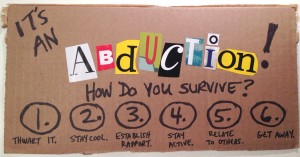
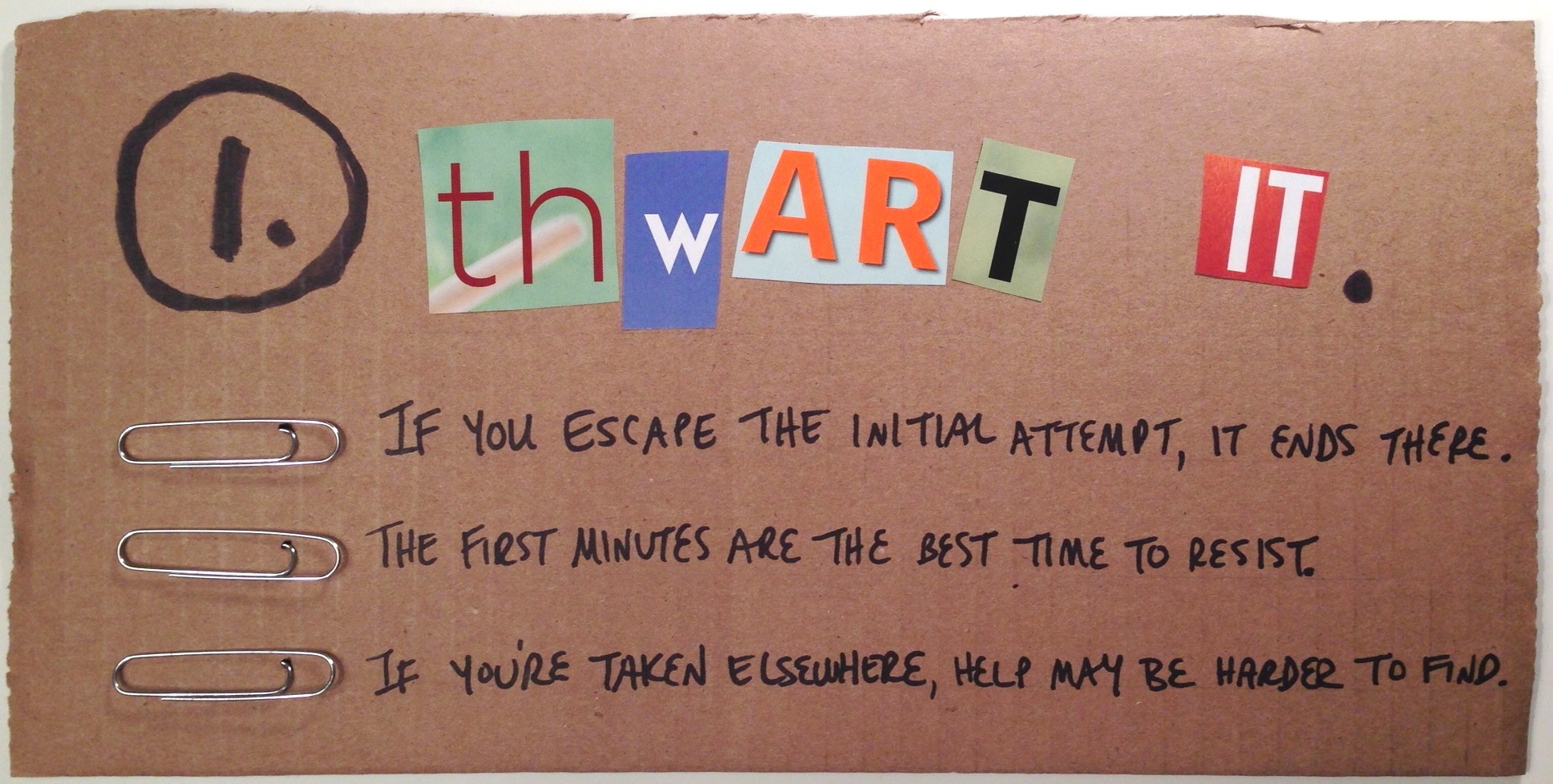
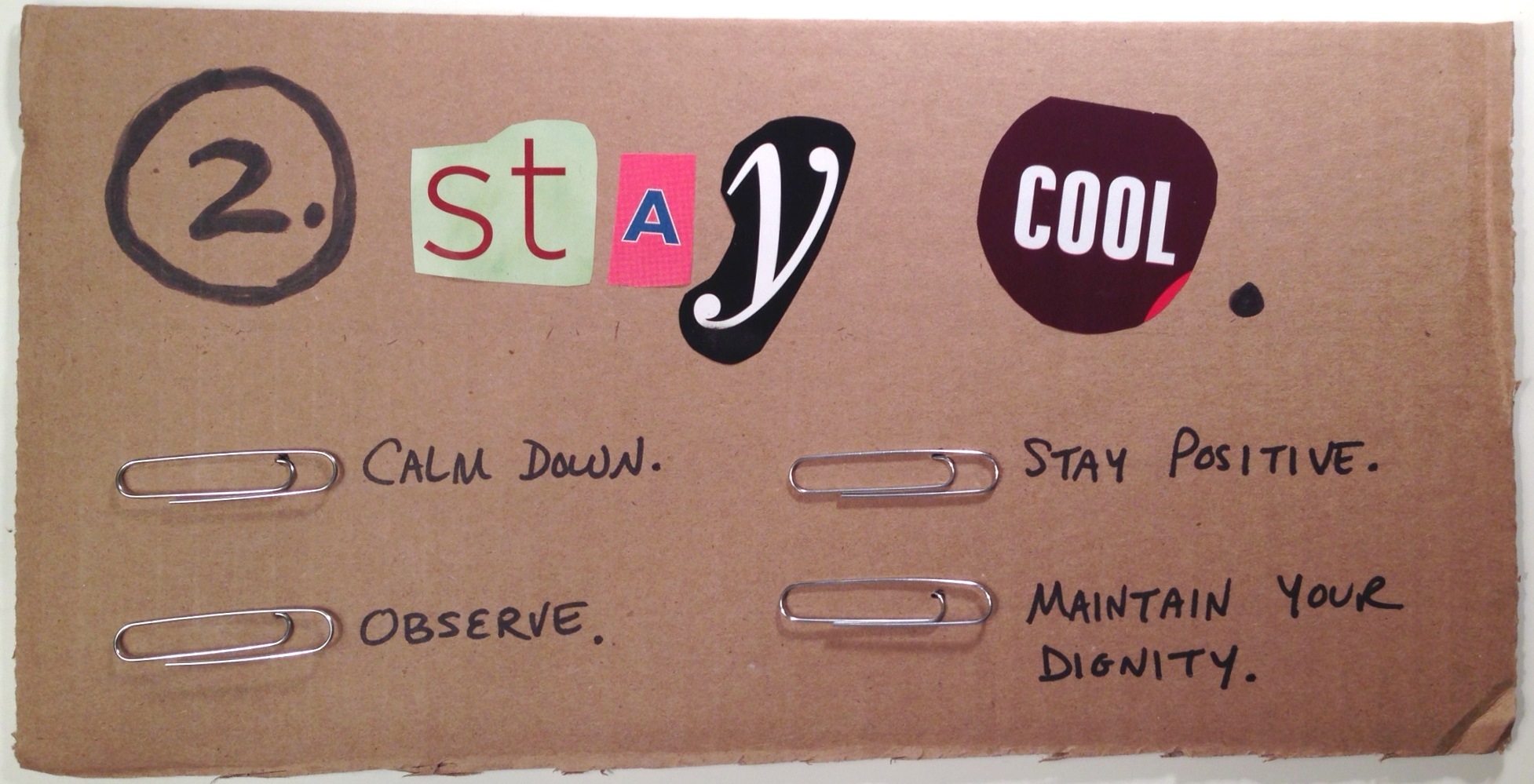
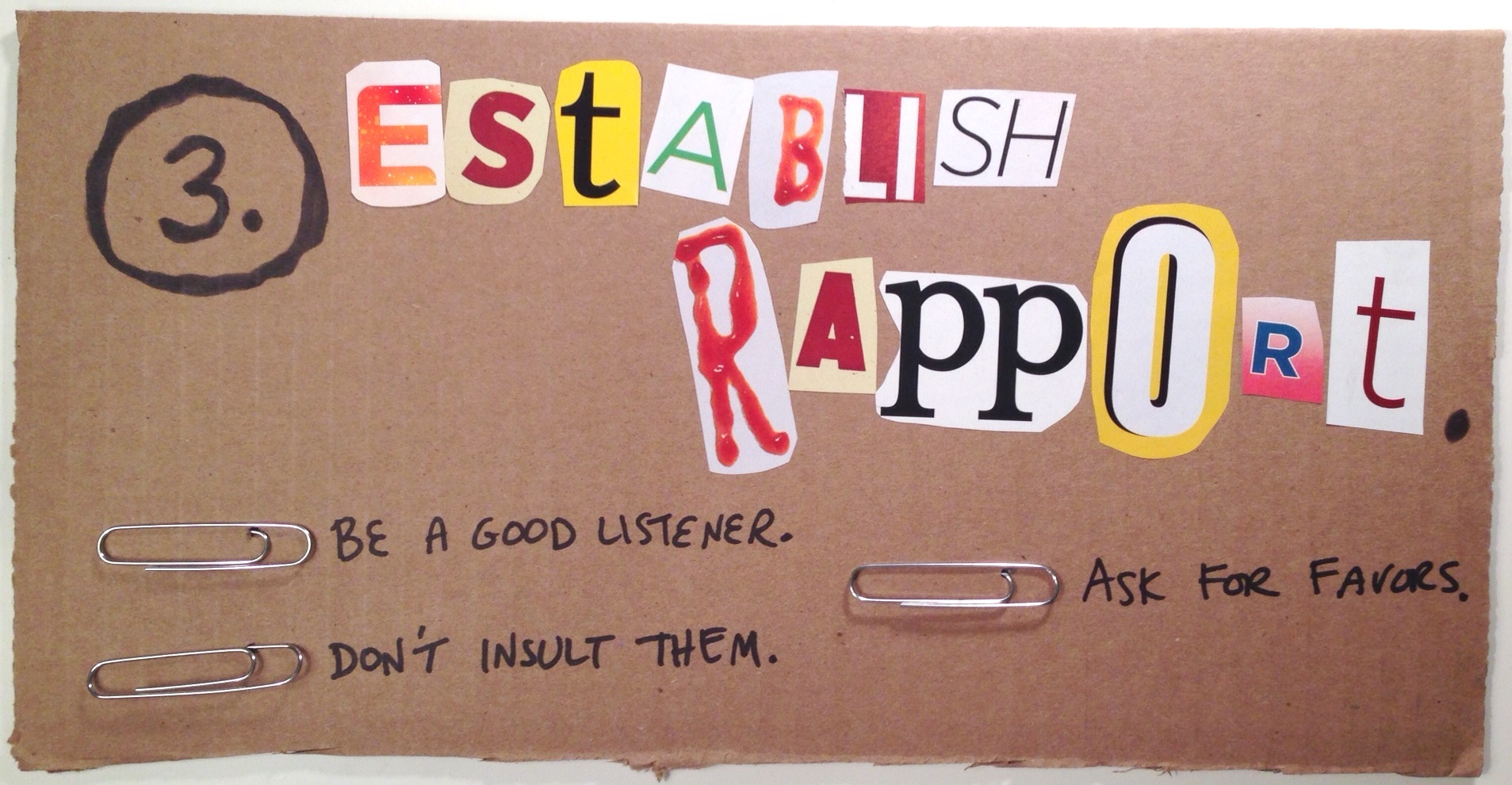
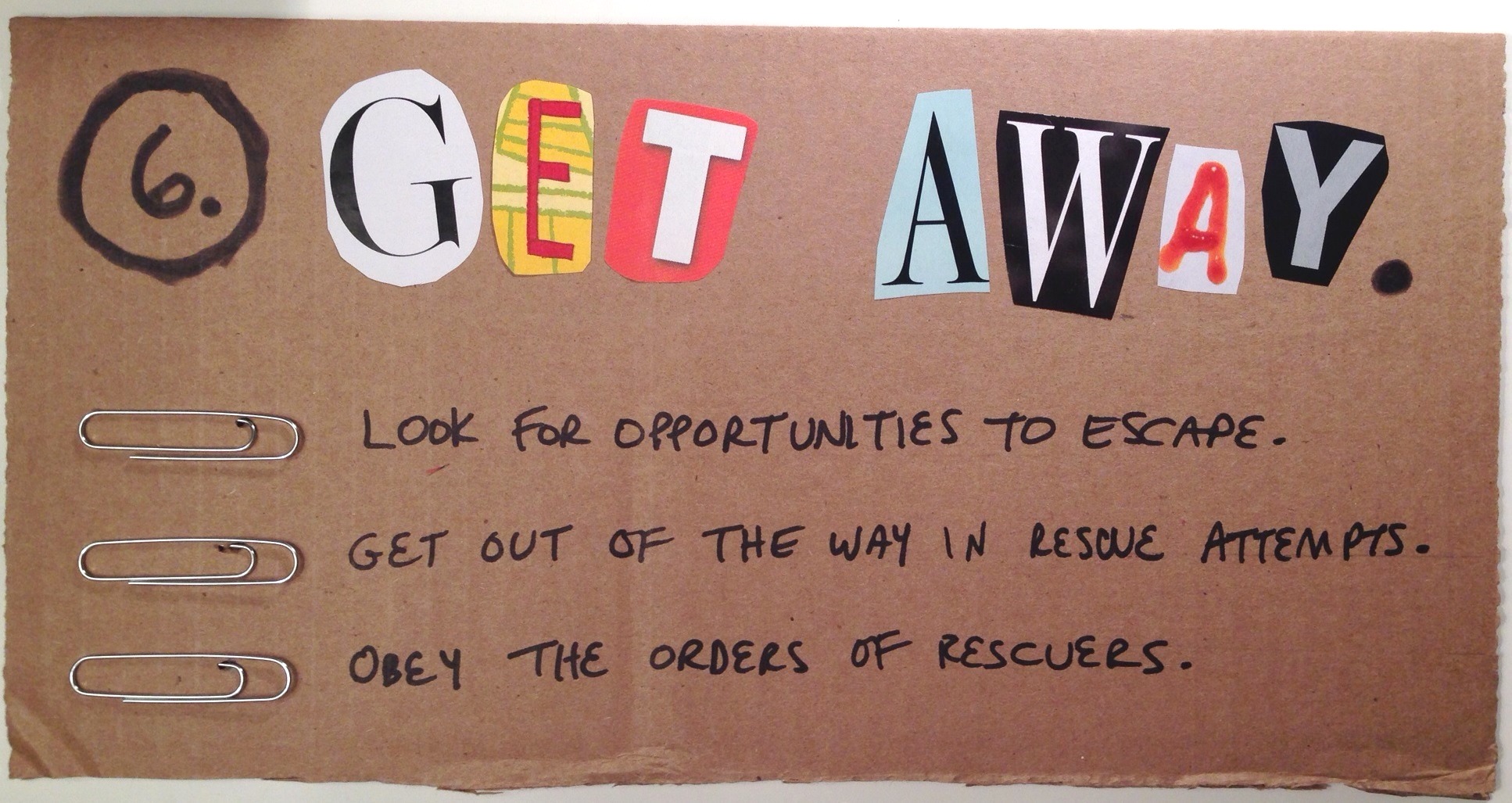
I walked away thinking I’d start over again in a couple of days, when I glimpsed a cardboard box and flashed on the idea of just ripping it up, using black markers, and sticking paperclips in it to make bullets. Seemed like the perfect primitive treatment to make the most of the colors and shapes of the letters, as well as the ransom-note effect.

The Result

Here’s the result in all of its ransom-riffic simplicity. Hope you like it! You can click on each image to see it larger.

Introduction

Step 1

Step 2

Step 3

Step 4

Step 5

Step 6

Filed Under: E-Learning Tagged With: Community, ELHChallenge, Instructional Design, Typography, Visual Design

  • « Go to Previous Page
  • Go to page 1
  • Interim pages omitted …
  • Go to page 10
  • Go to page 11
  • Go to page 12
  • Go to page 13
  • Go to page 14
  • Go to Next Page »

Primary Sidebar

Welcome!

I’m an award-winning instructional designer and proud Articulate Super Hero who creates e-learning for large organizations. I blog to explain my design process, share tips and tricks, and help others succeed. I hope you enjoy my refreshing gallery of e-learning goodness!

  • View jackietrains’s profile on Instagram
  • View jackievannice’s profile on LinkedIn

Tags

Articulate 360 Articulate Rise Articulate Storyline Articulate Studio Audio Avatars CCAF Characters Community Context Design Makeover Dials Drag & Drop E-Learning Design ELHChallenge Emotional Engagement Free Download Freelancing Games German Glossary Instructional Design Languages Makeover Menu Mobile Motivation Pantone Portfolio PowerPoint Professional Development Quick Reference Quizzes Sales Training Scenarios Show Your Work Software Training Storyline 360 Tables Technical Training Templates Typography Video Visual Design Voiceover

Top Posts & Pages

  • Portfolio
    Portfolio
  • Home
    Home
  • Sexual Harassment Training
    Sexual Harassment Training
  • Sales Mobility Software Training
    Sales Mobility Software Training
  • Navigating a Tasty Circular Menu
    Navigating a Tasty Circular Menu
  • Articulate's E-Learning Heroes Challenges
    Articulate's E-Learning Heroes Challenges
  • About
    About
  • Free Visual Storyboard Template
    Free Visual Storyboard Template
  • Free Storyline Templates
    Free Storyline Templates
  • How to Go Full-Screen & Lose the Player in Storyline
    How to Go Full-Screen & Lose the Player in Storyline

Copyright © 2026 Jackie Van Nice and E-Learning Goodness by Jackie Van Nice