• Skip to primary navigation
  • Skip to main content
  • Skip to primary sidebar

Jackie Van Nice

E-Learning Goodness by Jackie Van Nice

  • Home
  • About
  • Blog
  • Portfolio
    • Articulate’s ELH Challenges
    • Sales Mobility Software
    • Product Sales
    • Sexual Harassment
    • Code of Conduct
  • Freebies
    • Free Storyline Templates
    • Free PowerPoint Templates
    • Free Images
    • Freelancing Tips
    • Free Resources to Help Get Started in eLearning
  • Work With Me
  • Contact

Visual Design

Santa Likes Switching Things Up, Too!

December 6, 2015 By Jackie Van Nice 11 Comments

Select Image to Launch Demo (With Audio!)

Select Image to Launch Demo (With Audio!)

This week’s Articulate challenge is to come up with creative ways to use buttons, toggles, and/or switches. I’ve had this one in the works so long that it finally morphed into a holiday challenge!

One Flat Angel

One Flat Angel

The Idea

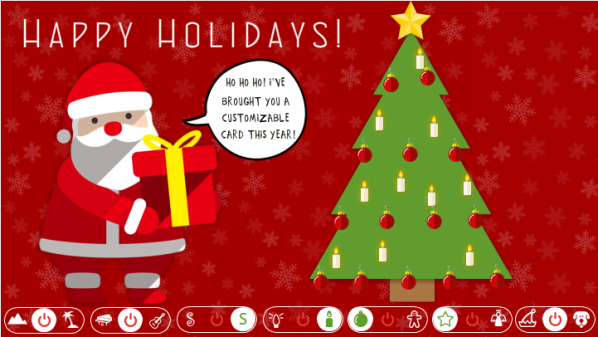
I wanted to use switches to make a customizable greeting card that gives you a good number of options to play with.

The Design

For the visual design I wanted to keep it flat and simple, so that was pretty easy.

For the functional design I went with 3-way switches since I wanted there to be two options for every category – in addition to being able to start with and choose a neutral position. Making it a 3-way toggle seemed too confusing from the user perspective, so I went for the clarity of a switch instead.
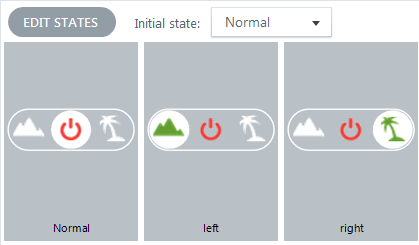
State Changes Let You Customize the Background

State Changes Let You Customize the Background

It’s All States: I built the entire interaction on one slide with no layers. Everything that moves, changes, or plays does so in response to a state change.

Free Images & Music: The freebies I used this week are from flaticon.com, for the little switch icons, and audionautix.com for the music.

The Jolly Result

If you’d like to customize your card, be prepared for audio and give it a try right here! Happy holidays!

Select Image to Launch Demo (With Audio!)
Select Image to Launch Demo (With Audio!)
Filed Under: E-Learning Tagged With: Articulate Storyline, E-Learning Design, ELHChallenge, Emotional Engagement, Show Your Work, Visual Design

Making A Simple Voiceover Portfolio

November 9, 2015 By Jackie Van Nice 6 Comments

Jackie's Voiceover Portfolio

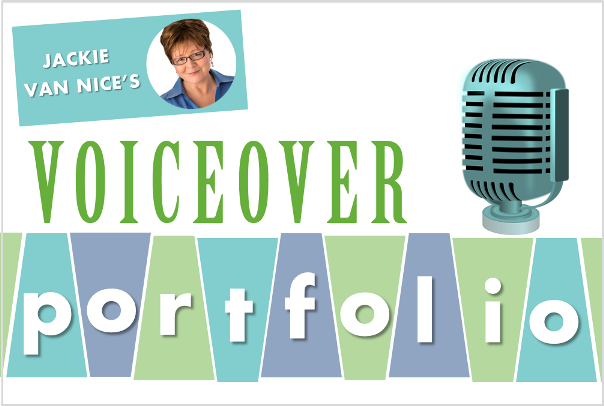
This week’s Articulate challenge is to put together an e-learning voiceover (VO) portfolio. I don’t do voiceover-only work, but I’ll do VO if a client asks me as part of a design and development project. Can’t hurt to have a few samples!

Voiceover Samples

E-Learning Demo: Game Voiceover

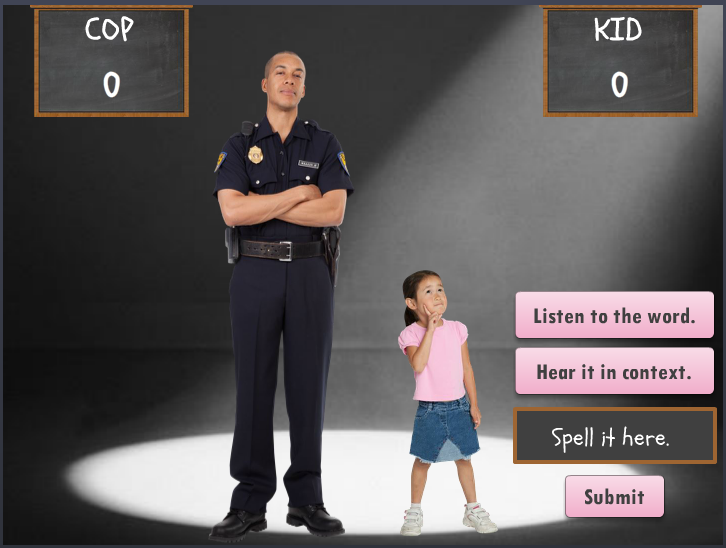
My favorite sample is the Kid vs Cop Spelling Bee I created for a challenge, and it’s what I sound like late at night when I can barely stop laughing long enough to record – in case you have a need for that.

Cop vs Kid Spelling Bee: Select Image to Launch Demo

Cop vs Kid Spelling Bee: Select Image to Launch Demo


E-Learning Demo: Sales Voiceover

This intro is the start of a product sales training course to debut a new product line and get staff excited about learning more.

Product Sales Training: Select Image to Launch Demo

Product Sales Training: Select Image to Launch Demo


E-Learning Demo: Compliance Voiceover

This in the intro to my favorite sexual harassment course.

Sexual Harassment Compliance Training: Select Image to Launch Demo

Sexual Harassment Compliance Training: Select Image to Launch Demo


Audio-Only Demo: Podcasts

Here are a couple of audio-only podcast challenges I completed. They’d give you the best idea of what my voice usually sounds like.

Select Image to See Tracks

Select Image to See Tracks

Select Image to See Tracks

Select Image to See Tracks

David Anderson’s Questions:

1. How would you describe your voice?

The workplace-approved descriptions I can pass along are “expressive”, “reassuring”, and “professional” – and I even got a “velvet voice” not long ago. I’m good at capturing and conveying mood and tone.

2. What’s your recording setup like?

I use an Audio-Technica AT2020 desktop USB mic – seen in this post where I describe my setup and offer some recording tips. I either record directly into Storyline or Audacity – it just depends on what I need.

3. What types of audio editing do you offer?

I remove distracting breaths and ambient noise – but I’ve recorded and edited my voice for a long time and know that if I use too much of a noise gate or overdo post-recording noise removal that I can quickly lose the qualities in my voice that give it the character that people (including me) want. If the end product just ends up sounding like a computer-generated voice, there’s no point in me recording. So I take it easy on noise removal.

Filed Under: E-Learning Tagged With: ELHChallenge, Freelancing, Instructional Design, Portfolio, Professional Development, Show Your Work, Visual Design, Voiceover

New! A Deliciously Frustrating E-Learning Cereal

November 7, 2015 By Jackie Van Nice 10 Comments

Click Image to Launch Demo - With Audio!

Click Image to Launch Demo – With Audio!

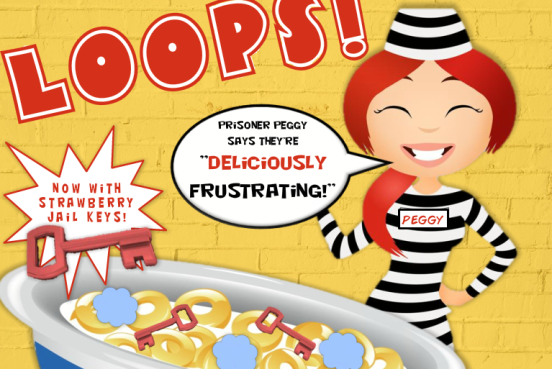
This week’s Articulate challenge is to create an e-learning themed cereal box, so I did my best to channel a bit of Toucan Sam and some Michael Allen and got to work.

The Idea

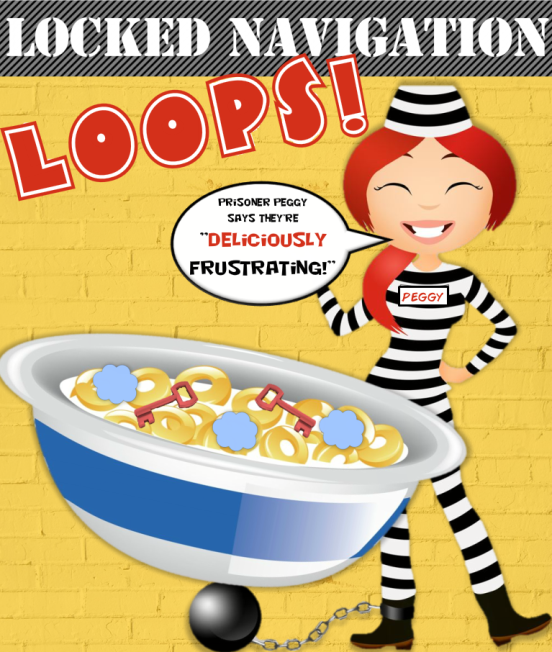
I started by brainstorming the usual nouns on cereal boxes: Flakes, crispies, crunch, smacks, loops, etc. Once I got to “loops” I drifted to thoughts of frustratingly locked-down e-learning navigation and came up with “Locked Navigation Loops” as my cereal.

The Design

The Navigation Police

The Navigation Police

For the visuals, I like the classic cartoon-character-on-the-cereal-box look, so my first search was for a perky prisoner. Once I found her, I grabbed an image of a cereal bowl and a cartoon cop who could enforce the rules and mixed them together with some fonts and other graphic elements in a big bowl of milk.

The audio seemed necessary to get the goofball cartoon cereal feel, so I added lots of sound effects and a lovely cartoon-y tune I found at AudioNautix.com.

Once I synced images and music, I was pretty much done. Oh – and I added some frustratingly pointless feedback since that’s the only kind I ever see when viewing e-learning courses with locked-down navigation. Call it an “homage”.

Enjoy a Little Lock-Up Time Right Now!

Here’s my cereal box demo in all of its cacophonic glory. I hope you like it!

Click Image to Launch Demo - With Audio!

Click Image to Launch Demo – With Audio!

Filed Under: E-Learning Tagged With: Articulate Storyline, Context, E-Learning Design, ELHChallenge, Emotional Engagement, Instructional Design, Motivation, Show Your Work, Visual Design

Interactive Video: An Intimate Conversation with Bert

August 26, 2015 By Jackie Van Nice 13 Comments

Select Image to Launch Demo

Select Image to Launch Demo

This week’s challenge is to create an interactive video conversation, and there was only one guy I wanted to have a sit-down with.

Bert's Challenge Debut

Bert’s Challenge Debut

The Idea

I thought chatting with Bert, who made his challenge debut in a video entry last year, might help his fans get to know him a bit better. What would coffee with Bert be like?

The Design

The Shoot

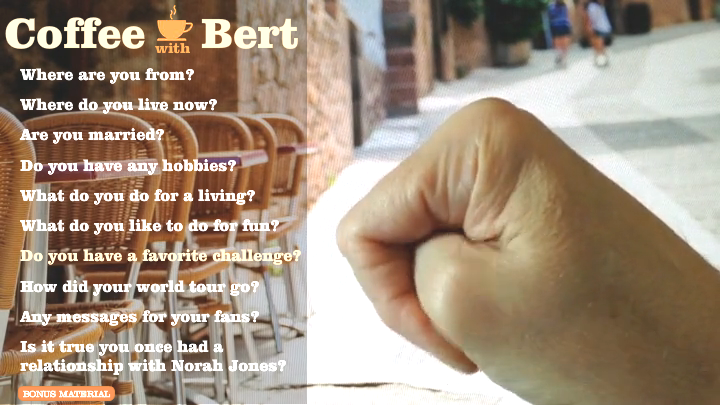
My goal was to keep this quick and simple. We propped Bert up in front of a background image of a cafe on a computer monitor, and Bert (aka Dan Sweigert) popped his iPhone on a tripod so we could capture both audio and video. I added some lighting and we knocked it out. I asked my scribbled questions and Bert answered on the fly.

The Edits

I was determined to only do video edits I could accomplish in Storyline to keep it simple. The result is the straightforward cuts you’d expect without the bells and whistles of having used an outside video editor.

The Bonus Material

The Bonus Material

The Interaction

I wanted one slide with a menu of questions you click to hear Bert’s answers. When you do, his video answer appears on a slide layer. The ambient sound of a restaurant is steadily looping underneath on the master slide.

I also added an outtake slide (the “Bonus Material”), and used a separate master slide with no audio on it so you could get that satisfyingly unedited effect.

The Result

I don’t know if you really want to have coffee with this guy, but he’s waiting at the cafe right now just hoping you’ll spend a little time with him, and you can enjoy your triple espresso with him right here. Have fun, you two!

Filed Under: E-Learning Tagged With: Articulate Storyline, E-Learning Design, Show Your Work, Video, Visual Design, Voiceover

It’s a Kid-U-Cational (+ Free) Template!

August 22, 2015 By Jackie Van Nice 6 Comments

Select Image to Launch Demo

Select Image to Launch Demo

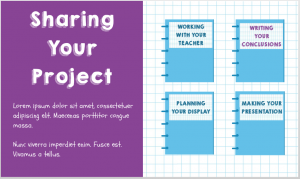
This week’s challenge, in honor of you brave back-to-schoolers, is to create an education-themed template and demonstrate how it can handle a real-world project.

The Template I Started With

The Template I Started With

The Idea

Lots of Room for Subtopics

Lots of Room for Subtopics

I went back to the last template I made (using pieces and parts of Nicole Legault’s and Tom Kuhlmann’s fab templates) with the intent of making it over in a kid-friendly way.

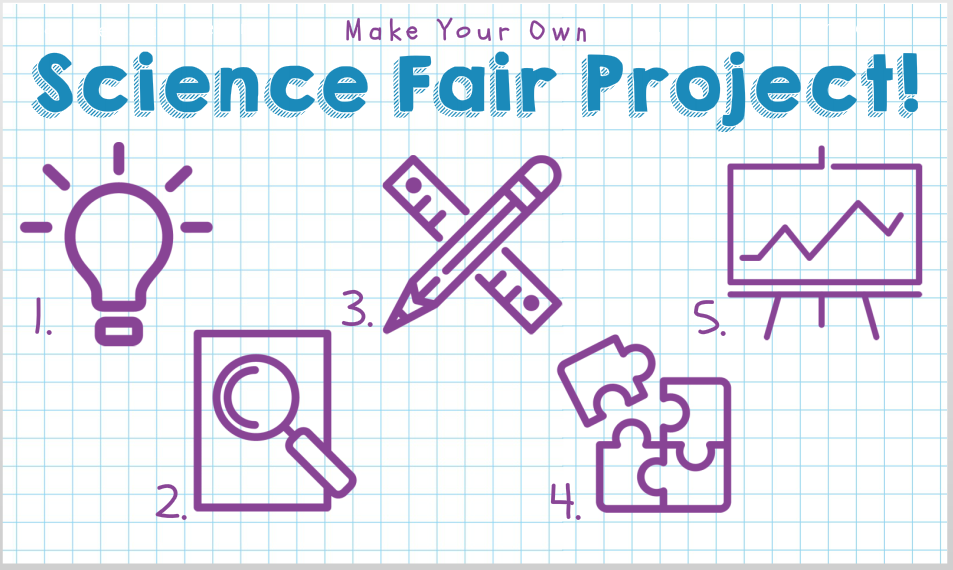
Since that template has a free menu and a good amount of depth, it needed a pretty large topic. I brainstormed until I came up with everyone’s favorite – the science fair project.

The Design

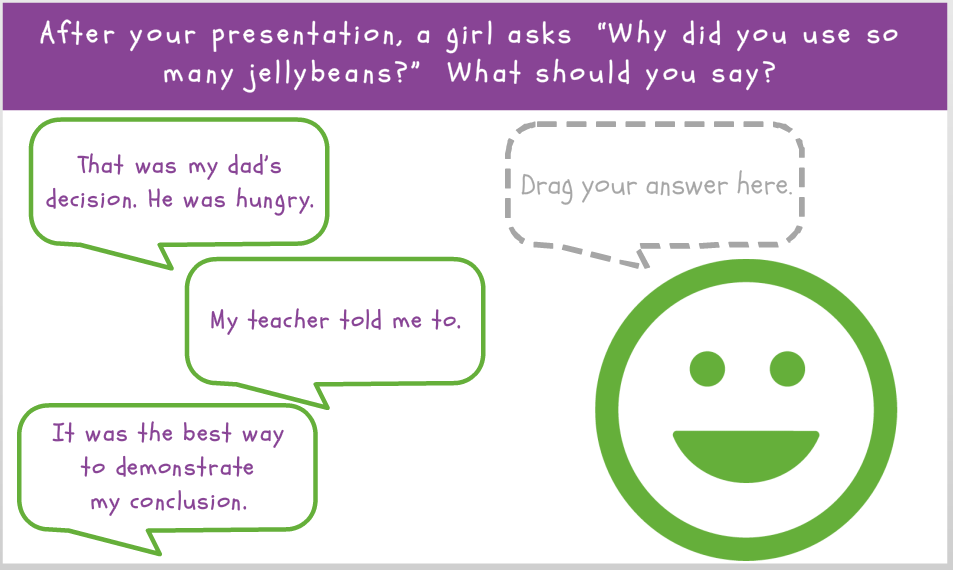
Content Slides with Depth

Content Slides with Depth

Since most of the science projects I’ve seen get sketched out on paper, I thought graph paper would work well as the themed background.

The color palette came from the blues of the graph paper lines and the purple ink I was seeing in lots of kids’ projects – plus I added a perky green to warm it up.

The kid-riffic fonts I used are KG Happy (it always makes me happy), and Schoolbell. I found the main menu and quiz icons at flaticon.com. I like them a lot and they’re free to use with attribution.

Select Image to Launch Demo

Select Image to Launch Demo

The Result

Ready for a template you can use to teach any number of topics? You can see it here, and even prove your mettle in the quiz.

Get It!

If you’d like to customize it yourself, you can also grab it on the download page.

Have fun!

Filed Under: E-Learning Tagged With: Articulate Storyline, Drag & Drop, E-Learning Design, ELHChallenge, Emotional Engagement, Instructional Design, Show Your Work, Templates, Visual Design

  • « Go to Previous Page
  • Go to page 1
  • Interim pages omitted …
  • Go to page 3
  • Go to page 4
  • Go to page 5
  • Go to page 6
  • Go to page 7
  • Interim pages omitted …
  • Go to page 14
  • Go to Next Page »

Primary Sidebar

Welcome!

I’m an award-winning instructional designer and proud Articulate Super Hero who creates e-learning for large organizations. I blog to explain my design process, share tips and tricks, and help others succeed. I hope you enjoy my refreshing gallery of e-learning goodness!

  • View jackietrains’s profile on Instagram
  • View jackievannice’s profile on LinkedIn

Tags

Articulate 360 Articulate Rise Articulate Storyline Articulate Studio Audio Avatars CCAF Characters Community Context Design Makeover Dials Drag & Drop E-Learning Design ELHChallenge Emotional Engagement Free Download Freelancing Games German Glossary Instructional Design Languages Makeover Menu Mobile Motivation Pantone Portfolio PowerPoint Professional Development Quick Reference Quizzes Sales Training Scenarios Show Your Work Software Training Storyline 360 Tables Technical Training Templates Typography Video Visual Design Voiceover

Top Posts & Pages

  • Portfolio
    Portfolio
  • Home
    Home
  • Sexual Harassment Training
    Sexual Harassment Training
  • Sales Mobility Software Training
    Sales Mobility Software Training
  • Navigating a Tasty Circular Menu
    Navigating a Tasty Circular Menu
  • Articulate's E-Learning Heroes Challenges
    Articulate's E-Learning Heroes Challenges
  • About
    About
  • Free Visual Storyboard Template
    Free Visual Storyboard Template
  • Free Storyline Templates
    Free Storyline Templates
  • How to Go Full-Screen & Lose the Player in Storyline
    How to Go Full-Screen & Lose the Player in Storyline

Copyright © 2026 Jackie Van Nice and E-Learning Goodness by Jackie Van Nice