• Skip to primary navigation
  • Skip to main content
  • Skip to primary sidebar

Jackie Van Nice

E-Learning Goodness by Jackie Van Nice

  • Home
  • About
  • Blog
  • Portfolio
    • Articulate’s ELH Challenges
    • Sales Mobility Software
    • Product Sales
    • Sexual Harassment
    • Code of Conduct
  • Freebies
    • Free Storyline Templates
    • Free PowerPoint Templates
    • Free Images
    • Freelancing Tips
    • Free Resources to Help Get Started in eLearning
  • Work With Me
  • Contact

ELHChallenge

My Scenic Route to E-Learning Design (+ Free Storyline Template!)

July 27, 2014 By Jackie Van Nice 12 Comments

Select Image to Launch Demo

Select Image to Launch Demo

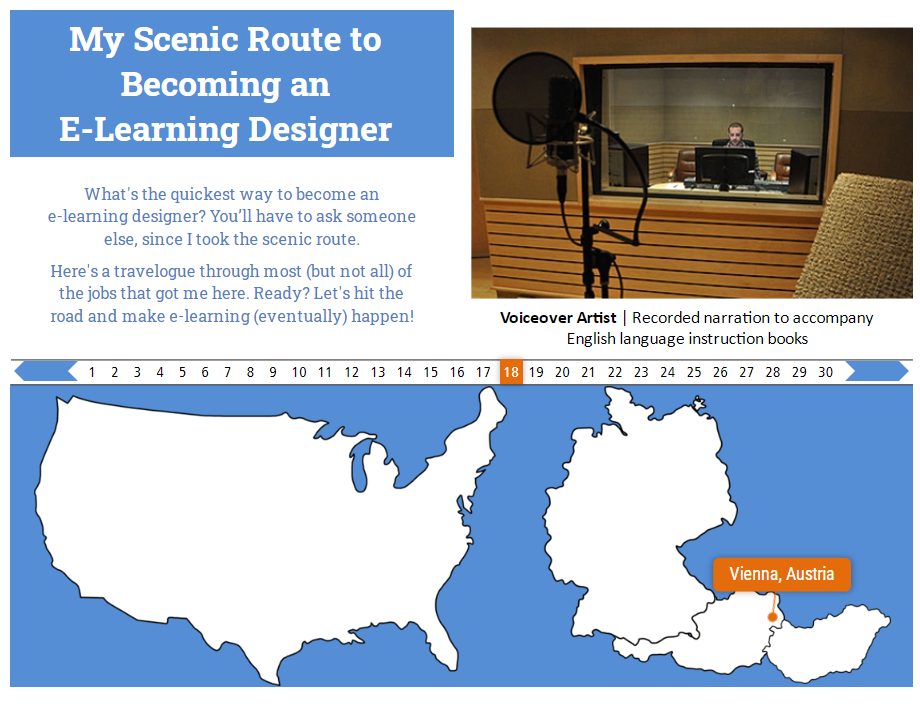
This week’s Articulate challenge was to create a virtual tour. Given how varied my journey to e-learning has been, I thought it might make for an interesting tour.
Select Image to Launch Inspiration Demo

Select Image to Launch Inspiration Demo

Design Inspiration

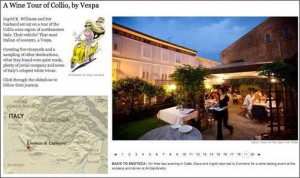
I liked one of David Anderson’s inspiration examples enough to create something similar. It’s a New York Times virtual wine tour of Italy. I appreciated how quick and compact it was while still providing enough information to make for a good tour.

Content

I capped it at 30 jobs, but there were more. At times I worked up to 5 simultaneous part-time jobs in college. Multiply that by a whole lot of quarters and semesters, and we could have been here all day.
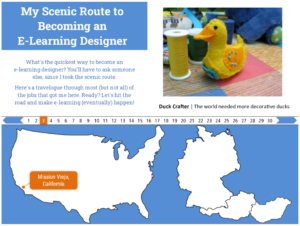
Ducks Are Involved

Ducks Are Involved

See the Tour!

If you’d like the tour, take it here.
Get the Free Template!

Grab the Free Template!

Download the Free Storyline Template!

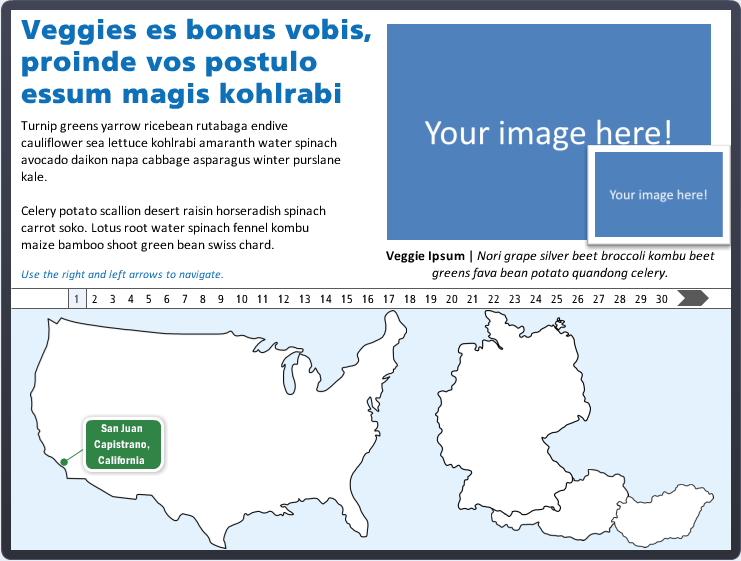
This piece was easier than most to make into a template to give away, so that’s what I did. Grab it on the download page, then have fun making your own tour!

Filed Under: E-Learning Tagged With: Articulate Storyline, Community, E-Learning Design, ELHChallenge, Free Download, Freelancing, German, Languages, Professional Development, Templates

Do I Have To Learn Everything Right This Second?

July 24, 2014 By Jackie Van Nice 14 Comments

Select Image to Launch Demo

Select Image to Launch Demo

DestinationThis week’s Articulate challenge is to create an interactive organizational chart or a “meet the team” sort of thing. Org charts and the like bore the heck out of me, but I like the idea of introducing someone to their new team or job, so I went with that.

How Did We End Up On Vacation?

When you start a new job, you’re a stranger in a strange land. All I did was apply that situation to visiting a new place rather than starting a new job. In either situation, you need to get your bearings and figure out what’s going on very quickly.

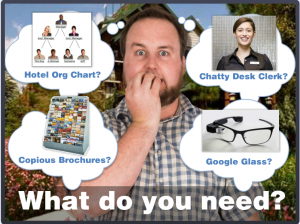
What do you need?

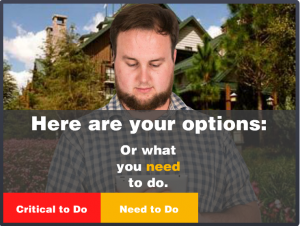
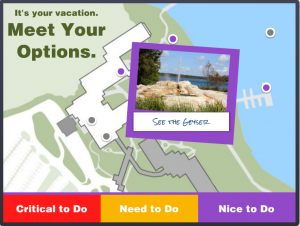
Here are your options.

Chunking By Importance

In this case I sorted the information by relative importance, but in a work environment it could be sorted by task or department or time increment or anything else. The idea is to break it into chunks that have more meaning and don’t have to be accessed all at once, since information overload is as good as no information at all.

The Interaction

I had planned on (and spent way too much time on) fleshing out the detail at the end. As time ran out I trashed all of that and fleshed out the front end instead. It was the right thing to do and it ended up being a good demo of how to present information like this – including how to present it in context and at the point of need. I like it.

Ready to Navigate Your Vacation?

If so, feel free to take this demo out for a spin!

Select Image to Launch Demo

Select Image to Launch Demo

Filed Under: E-Learning Tagged With: Articulate Storyline, Characters, Community, Context, E-Learning Design, ELHChallenge, Emotional Engagement

The Downside of Leaving the House: A Video Diary

July 17, 2014 By Jackie Van Nice 28 Comments

Select Image to Launch Demo

Select Image to Launch Demo

This week’s Articulate challenge is to create a training video with your smart phone. In my defense, I’ll point out that only the phone was required to be smart.

What Happened

I had the innocent idea of showing how people like me who spend all their time in home offices breathing in more highlighter fumes than fresh air – (which may explain a lot, now that I think about it) – can bust out. I planned to shoot on nearby Hilton Head Island.

Pick a Destination

When I mentioned this to Dan, in the interest of getting his help filming the drive, he immediately said “and it’s the perfect chance to use this guy!” What happened after that is kind of a blur.

Video Lessons Learned

I used my iPhone with no additional apps and made edits on the desktop in Pinnacle Studio 17 before popping it into Storyline. I learned:

  1. Lighting is never easy.
  2. Shooting in direct sunlight makes seeing the viewfinder nearly impossible.
  3. Shooting in gale-force winds while sand is being whipped at the device will lead to unusable audio, among other things.

Leave the HouseThe Storyline Piece

Framing the story felt much harder than framing the heinous video for some reason. I ended up liking the time-lapse drive to the island and the layout I designed to view the different video clips. I’d like to use those ideas in other projects.

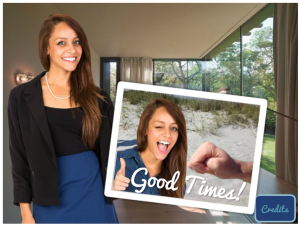
My favorite part might be the souvenir photo at the end since it sums up the absurdity quite nicely.

If You Must

If you really want to see this, you can check it out right here.

Select Image to Launch Demo

Select Image to Launch Demo

Filed Under: E-Learning Tagged With: Articulate Storyline, Audio, Characters, Community, E-Learning Design, ELHChallenge, Mobile, Video

Help! Someone Abducted My Digital Tools!

July 6, 2014 By Jackie Van Nice 16 Comments

Main Menu

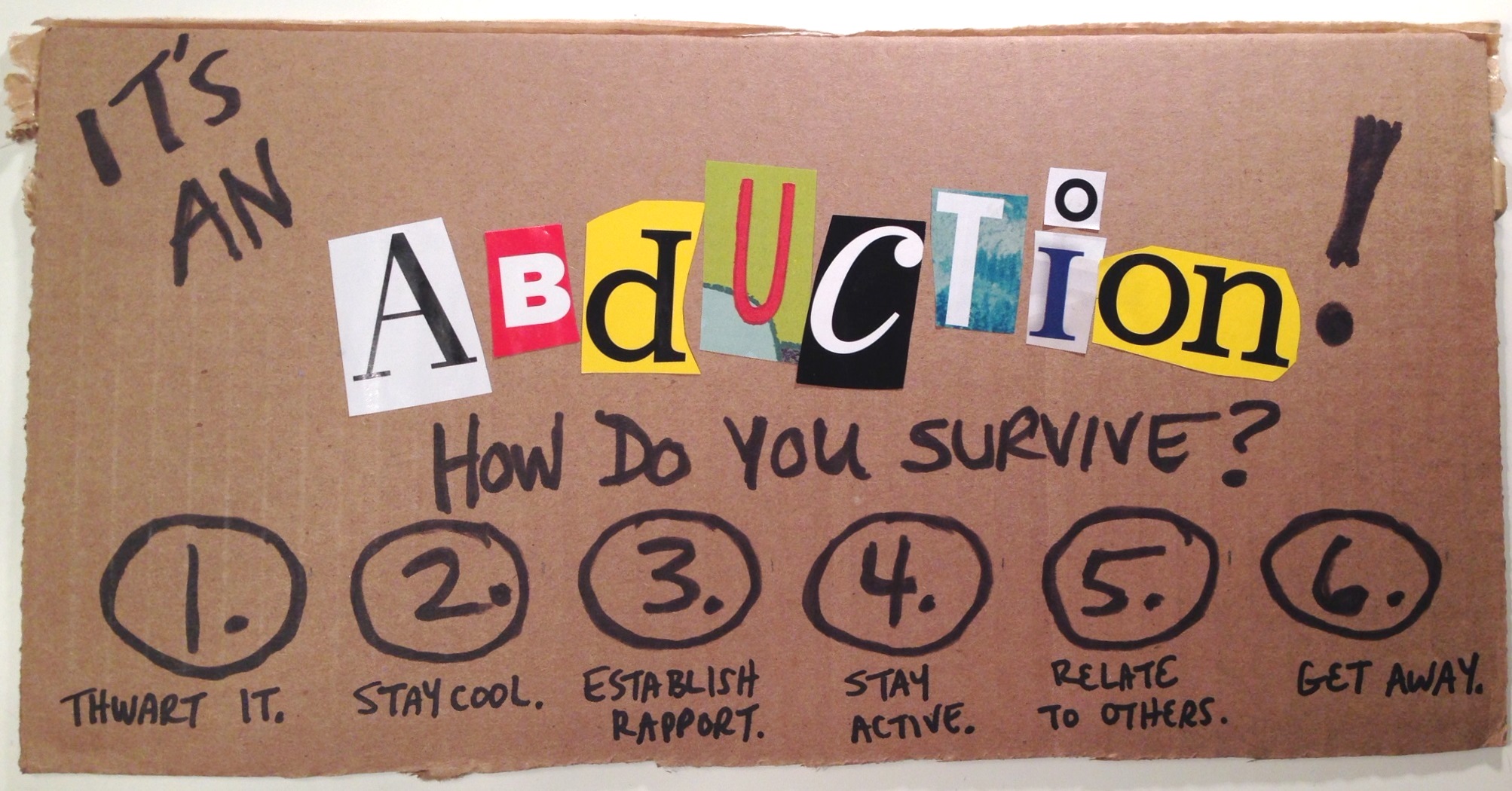
This week’s Articulate challenge is to create emergency-response instructions using non-digital means. This one nearly did me in. Where are the emergency instructions for when you’re caught in the middle of an Articulate challenge?

The Idea

I started by working on hurricane response instructions since we like that sort of thing in the Southeastern US. But once I got to pondering non-digital font equivalents I thought of non-digital scissor-and-magazine font creation, which made me think of ransom notes, which took me to kidnapping, which led me to wikiHow where they’re apparently well versed in that sort of thing. An abduction it would be!

The Design

I kept it simple with a main menu and corresponding detail pages. If it hadn’t been my second version in two days, I would have included more detail.

This design had to make the most of the cut-out letters, and that’s what I hated so much about the first version: I’d done an elaborate and detailed job on it, but the impact of the ransom-note effect was completely lost. I hated, hated, hated it.

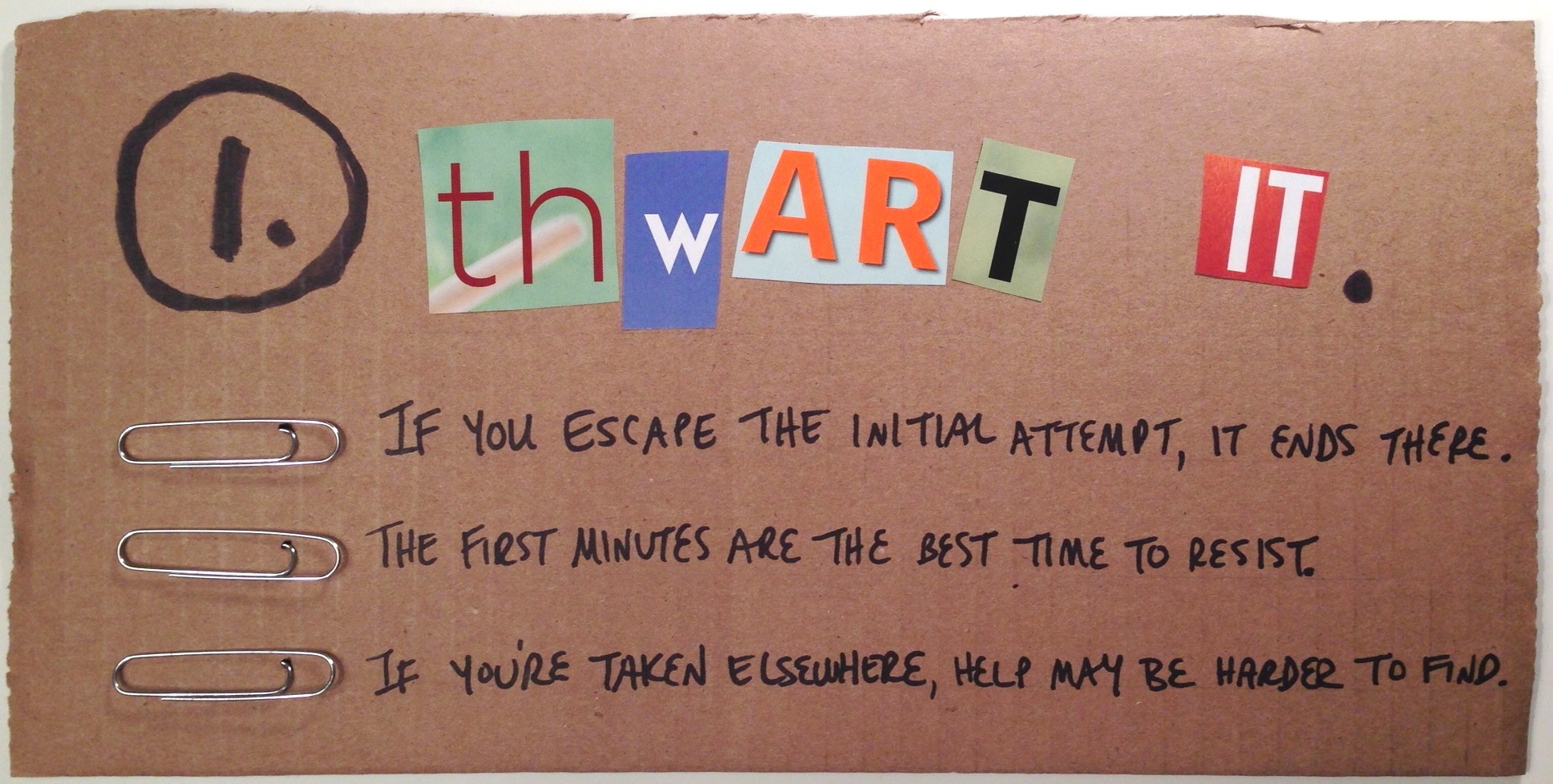
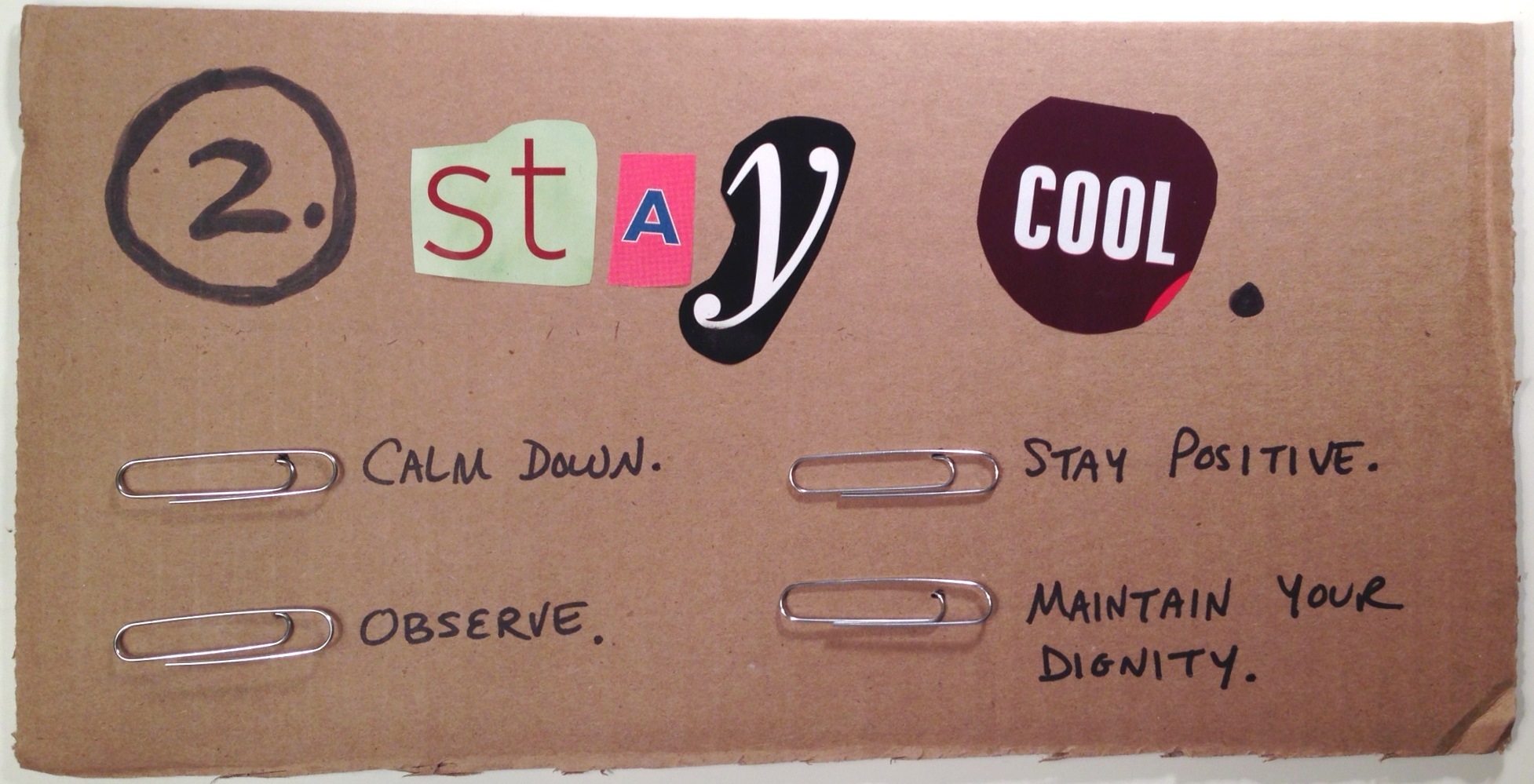
I walked away thinking I’d start over again in a couple of days, when I glimpsed a cardboard box and flashed on the idea of just ripping it up, using black markers, and sticking paperclips in it to make bullets. Seemed like the perfect primitive treatment to make the most of the colors and shapes of the letters, as well as the ransom-note effect.

The Result

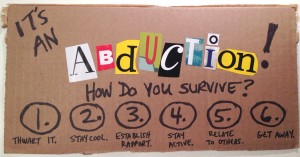
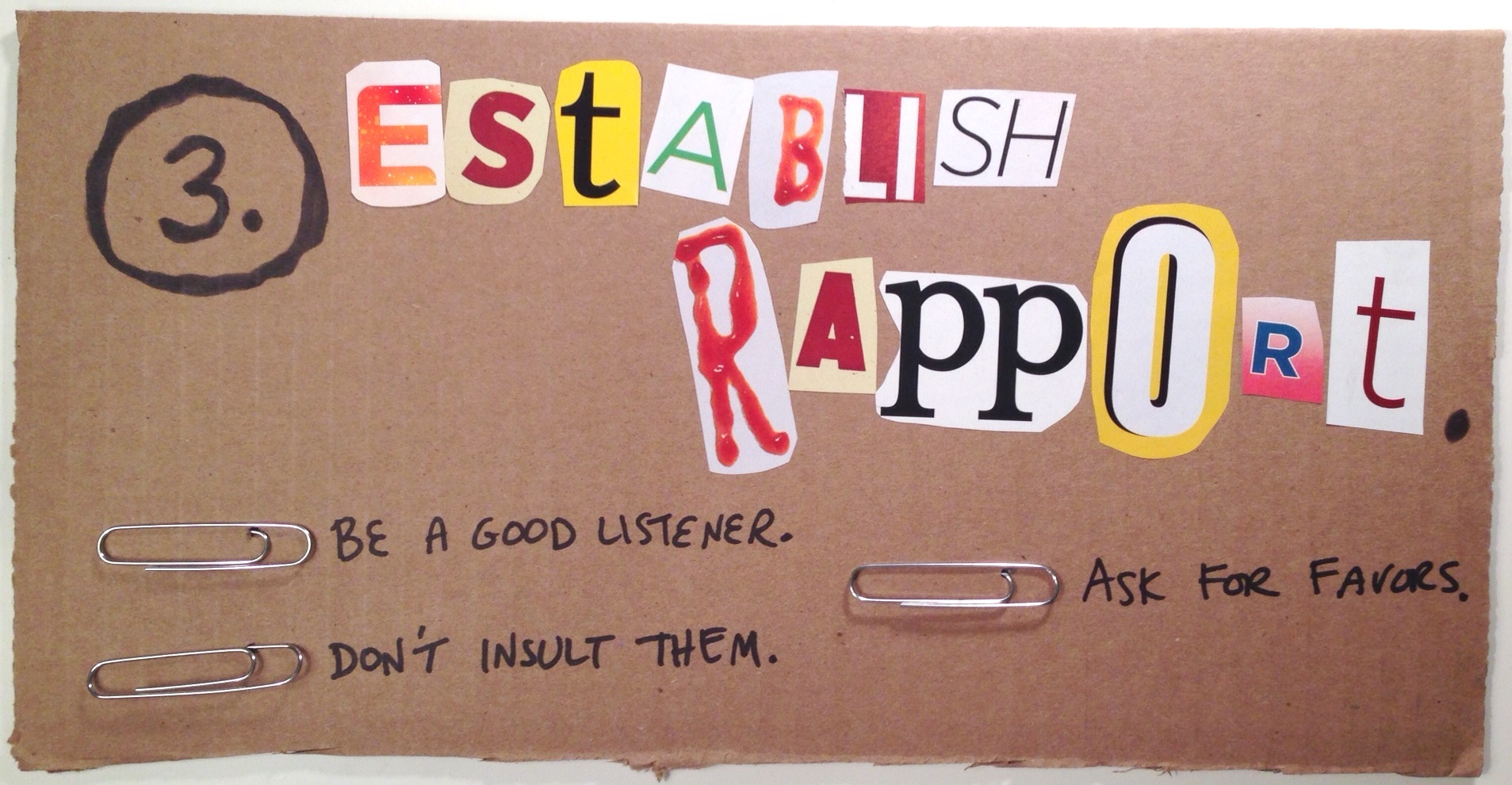
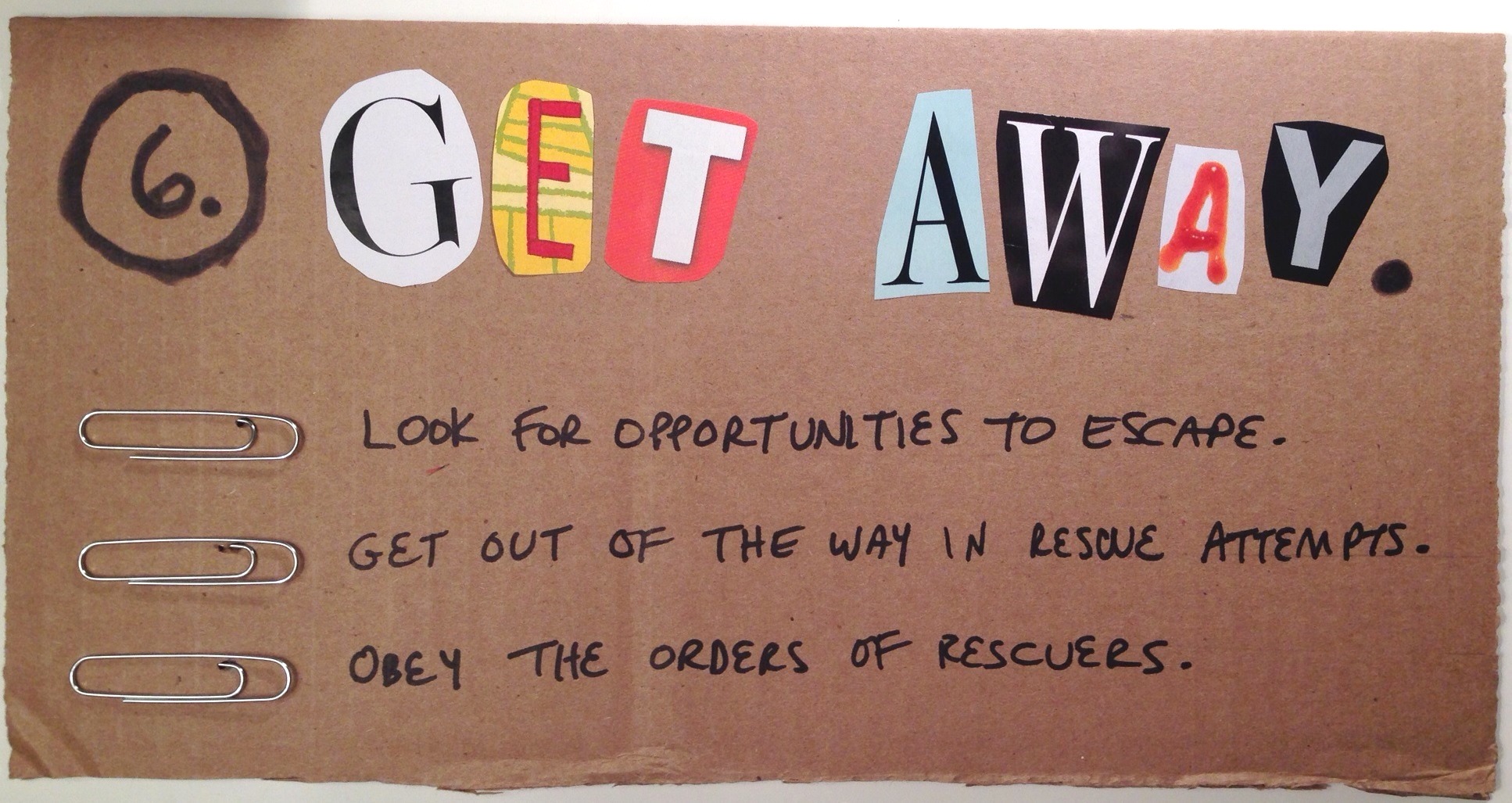
Here’s the result in all of its ransom-riffic simplicity. Hope you like it! You can click on each image to see it larger.

Introduction

Step 1

Step 2

Step 3

Step 4

Step 5

Step 6

Filed Under: E-Learning Tagged With: Community, ELHChallenge, Instructional Design, Typography, Visual Design

Can You Motivate This Monster?

June 29, 2014 By Jackie Van Nice 4 Comments

Click Image to Launch Demo

Click Image to Launch Demo

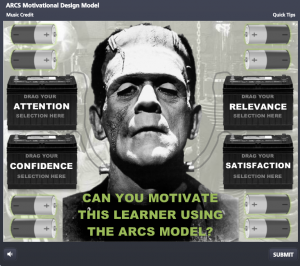
This week’s Articulate challenge is to create a quiz about an instructional design concept.  I decided to create a quiz about Dr. John Keller’s ARCS motivational design model.
The Idea

As I brainstormed (heh-heh) how the heck to do it, I thought of the most basic concept of motivation, which is to spur the learner on: Provide him with a jolt of electricity, if you will.

The next thing I knew, Boris Karloff was staring at me as I carefully wired him up to car batteries. You just never know where a challenge will take you.

The Interaction

The idea is that you choose an appropriate design option for each of the four areas: Attention, Relevance, Confidence, and Satisfaction. I made them appropriate to this learner, pulling more from Mel Brooks’ Young Frankenstein than Mary Shelley’s classic novel, but it’s all about keeping me entertained.

Feedback Screen

Feedback Screen

You get feedback whether your answers are correct (motivated monster), or incorrect (unmotivated monster). I included some quick tips in the player with a mini outline of the ARCS model to help explain and/or lead you to the correct answers, too.

So Much More

I’d love to go over the many other scenes and ideas I had for this one, but at some point I have to call it a quick demo and stop.

I’ll also mention that my AA battery > car battery > single battery cable > neck bolt electrical circuit entertains me no end. I think that’s part of what makes these challenges so fun. You do a quick mock-up and it leads to the funniest improvisations.

Try It!

If you’d like to try using the ARCS model to motivate Frank, the interaction is right here.

Filed Under: E-Learning Tagged With: Articulate Storyline, Audio, Characters, Community, Drag & Drop, E-Learning Design, ELHChallenge, Emotional Engagement, Games, Instructional Design

  • « Go to Previous Page
  • Go to page 1
  • Interim pages omitted …
  • Go to page 16
  • Go to page 17
  • Go to page 18
  • Go to page 19
  • Go to page 20
  • Interim pages omitted …
  • Go to page 23
  • Go to Next Page »

Primary Sidebar

Welcome!

I’m an award-winning instructional designer and proud Articulate Super Hero who creates e-learning for large organizations. I blog to explain my design process, share tips and tricks, and help others succeed. I hope you enjoy my refreshing gallery of e-learning goodness!

  • View jackietrains’s profile on Instagram
  • View jackievannice’s profile on LinkedIn

Tags

Articulate 360 Articulate Rise Articulate Storyline Articulate Studio Audio Avatars CCAF Characters Community Context Design Makeover Dials Drag & Drop E-Learning Design ELHChallenge Emotional Engagement Free Download Freelancing Games German Glossary Instructional Design Languages Makeover Menu Mobile Motivation Pantone Portfolio PowerPoint Professional Development Quick Reference Quizzes Sales Training Scenarios Show Your Work Software Training Storyline 360 Tables Technical Training Templates Typography Video Visual Design Voiceover

Top Posts & Pages

  • Portfolio
    Portfolio
  • Home
    Home
  • Sexual Harassment Training
    Sexual Harassment Training
  • Sales Mobility Software Training
    Sales Mobility Software Training
  • Navigating a Tasty Circular Menu
    Navigating a Tasty Circular Menu
  • Articulate's E-Learning Heroes Challenges
    Articulate's E-Learning Heroes Challenges
  • About
    About
  • Free Visual Storyboard Template
    Free Visual Storyboard Template
  • Free Storyline Templates
    Free Storyline Templates
  • How to Go Full-Screen & Lose the Player in Storyline
    How to Go Full-Screen & Lose the Player in Storyline

Copyright © 2026 Jackie Van Nice and E-Learning Goodness by Jackie Van Nice